A timing chart as the blueprint for SMIL animation in SVG
On August 20 at Smashing Magazine, Johan Grobler described a method in which a complex SMIL animation is first drawn as a timing chart and only then written in markup. Every bar on the chart corresponds to one animate element, and its length and position become the values of the dur and begin attributes. Because a single animate changes exactly one property of one element, the count climbs fast: a three-dot loader takes six of them. The piece also covers synchronizing to another animation's start or end through the begin attribute, and honoring prefers-reduced-motion through the picture element.
Source
Timing Charts: A Blueprint For SMIL AnimationsSmashing Magazine · Original published August 20, 2026
On August 20 at Smashing Magazine, Johan Grobler described a working habit rather than a new technology. Before a single animate element is written, the animation is drawn as a timing chart, one bar per movement. Once the chart holds, writing the markup becomes transcription rather than guesswork.
Why the chart comes before the code
A SMIL animation in SVG has no single place where you see the whole. Every animate element carries its own dur and begin, so the arrangement gets assembled in your head out of scattered numbers. A timing chart returns that arrangement to one picture: the horizontal axis is time, each bar is one movement, and its length and start are exactly what goes into dur and begin.
One element, one property
The constraint the piece keeps returning to is that a single animate element changes exactly one property of one element. That makes the count climb faster than you expect. A three-dot loader, where each dot fades in and then out, takes six of them. To return a property to its starting state you use the set element.
attributeNamenames the property being changed.- from and to set the range of values.
- dur carries the duration, and fill decides what remains after it ends.
- href ties an animation to an element that is not its parent.
Synchronizing without manual arithmetic
Instead of computing every animation's offset from zero by hand, you tie a start to another animation's start or end. Writing begin="colorChange.end - 300ms" means the movement begins three tenths of a second before the named animation finishes. A positive offset pushes it later, a negative one earlier. Move one bar on the chart and the rest follow on their own, so a revision comes down to a single number.
Masking and honoring the user's setting
The piece also shows how animating a rectangle inside clipPath produces the impression of movement the shape itself does not make, separating opacity from fill-opacity for a finer fade. For users who asked their system for less motion, it suggests the picture element, which delivers a still image instead of an animated SVG under prefers-reduced-motion.
Related
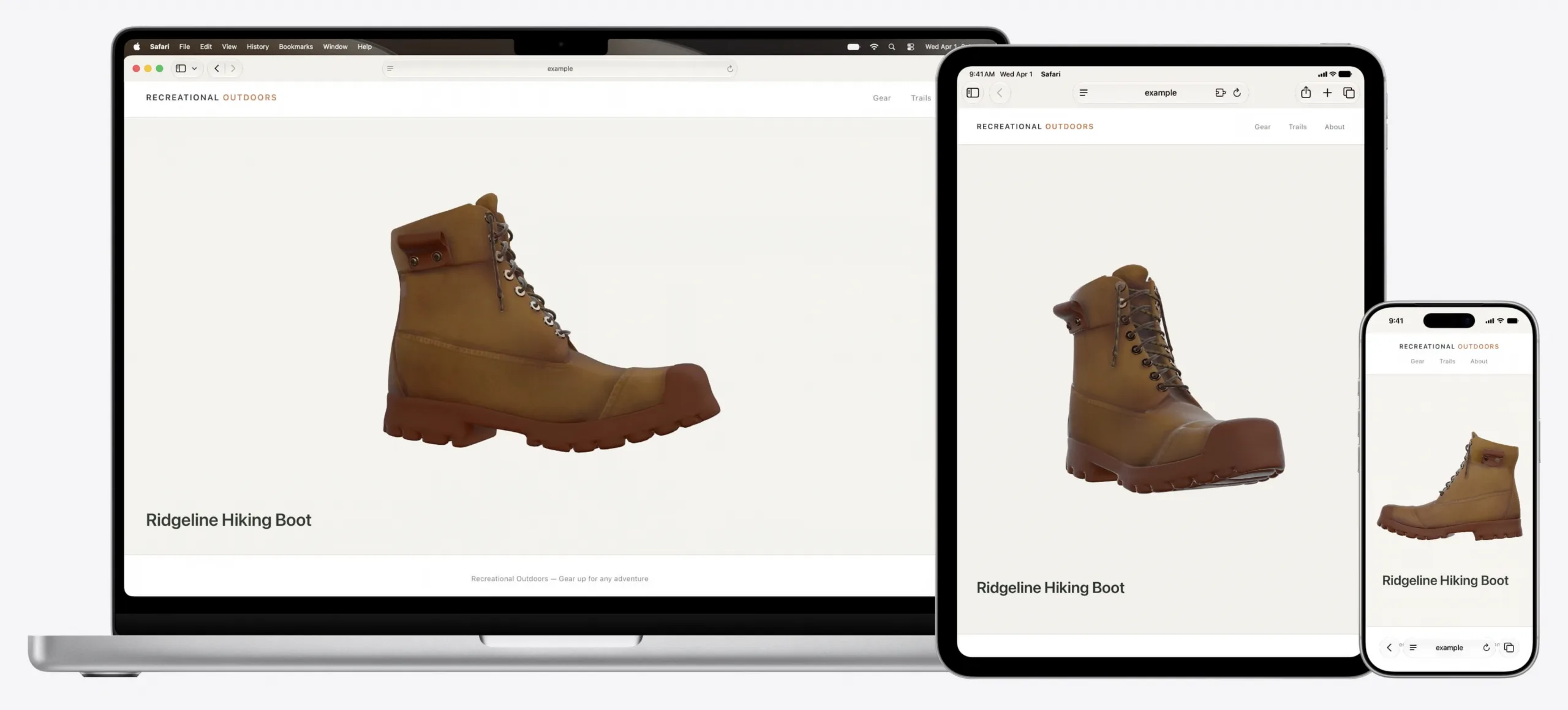
Safari 27.0 ships an MCP server, so a coding agent can drive the browser itself
WebKit published the feature list on September 17, 2026, and it is the longest the team has written: 83 features, up from 58 at the first beta in June, and 844 quality fixes against the 525 announced at WWDC. The headline for anyone who builds with a coding agent is the Safari MCP server, which hands the agent the DOM, network requests, screenshots and console output from a real Safari window. Customizable Select turns the real select element into something you can fully restyle, and scroll anchoring stops the page from jumping when content loads in above what you are reading.
WebKit Blogverified
Safari Technology Preview 252 adds named-feature() and lets SVG reach a filter in another file
The preview build came out on September 11, 2026 and covers WebKit changes between 319252@main and 320112@main. Eleven features are new, and two of them extend the same job: how a stylesheet, and then a script, finds out what the engine underneath can do. The named-feature() function asks about a behavior that has no syntax of its own, and the registry behind it holds exactly two entries today. SVG also gained external resources, so the url() reference can finally point at a filter, mask or gradient stored in another document.
WebKitverified
Interop 2027 proposals close on September 23, and untested ideas do not qualify
The call for Interop 2027 Focus Area proposals opened on September 3, 2026 and closes on September 23, 2026. Proposals are filed as issues on the web-platform-tests/interop repository, and two conditions decide almost everything: the technology must already have a mature standard, and it must be testable, because the test results are what the dashboard scores. Anything that fails the second condition is steered toward an Interop Investigation instead. Twenty days is the whole window, and the evidence a good proposal needs takes longer than an evening to assemble.
WebKitverified