GitHub Copilot can now control desktop apps and run workflows defined in code
GitHub put two Copilot features into public preview on October 1, 2026. Computer use lets Copilot CLI and the GitHub Copilot app operate desktop applications on macOS and Windows, and it stays off until you turn it on. Dynamic workflows run a multi-agent process that is defined in code, and they are available on all Copilot plans. GitHub's documentation warns that computer use can pick the wrong control and that on-screen content can trigger unintended actions.
Source
GitHub Copilot can now interact with desktop apps with computer useGitHub Changelog: Copilot · Original published October 1, 2026
GitHub published three Copilot changelog entries on October 1, 2026. Two of them change what the agent can do. Computer use lets Copilot operate desktop applications, and dynamic workflows run a process that you define in code. The third entry sums up September in VS Code, versions 1.136 through 1.140.
What computer use does
Computer use is in public preview in Copilot CLI and the GitHub Copilot app, on macOS and Windows. Copilot reads what an application shows, through the operating system's accessibility tree or through screenshots. It then clicks controls, enters and edits text, presses keys, scrolls, and drags. GitHub says the feature is meant for software that offers no API, no command-line interface, and no Model Context Protocol (MCP) integration. Its documentation adds that a more direct tool, where one exists, typically gives more predictable results.
The feature is disabled by default. In Copilot CLI you turn it on with /computer on, check its status with /computer show, and turn it off with /computer off. In the app, the switch is in Settings, in the Computer Use section. On macOS, Copilot guides you through granting the Accessibility and Screen Recording permissions. The announcement does not say which Copilot plans include computer use.
Who approves what
Copilot asks for approval before it controls an application. You can grant access for the current session, save the approval for future sessions, or deny access. The saved approval, called Always allow, is stored locally and applies to both Copilot CLI and the Copilot app on the same computer. Removing it deletes the approval for future sessions, but it does not revoke access already granted in a running session.
Organizations can disable the feature through managed settings, and enabling it locally does not override an enterprise policy. GitHub's documentation warns that computer use can select the wrong control or enter text in the wrong location. It also warns that ambiguous instructions or unexpected on-screen content may cause unintended actions that affect your device, data, or connected accounts. To interrupt a running operation, press Esc twice in Copilot CLI or click Stop in the app.
Dynamic workflows put the process in code
Dynamic workflows are in public preview in Copilot CLI, the GitHub Copilot app, and the GitHub Copilot SDK, on all Copilot plans. A dynamic workflow is a program inside a Copilot extension. The code defines the steps, the point where agents get involved, and the way their results are used. Steps can run one after another, in parallel, or both, and agents handle the parts that need analysis or judgment.
That is the difference from the /fleet command, where Copilot itself decides how to divide the work among subagents. A workflow can pause at a checkpoint so that you can review the results, and subagents can verify each other's findings. GitHub's documentation says that reusing a workflow means reusing its steps and rules, while agents can still give different answers on different runs.
The app needs no setup. In Copilot CLI you enable experimental features, with the --experimental option or with /experimental on. You can write a workflow yourself or ask Copilot to write it. According to the documentation, the chat agent creates or runs a workflow only when you explicitly ask for it, or when a skill or slash command tells it to. An existing workflow also runs directly from the terminal with copilot workflow run, so it can be used from a script or from a CI/CD pipeline.
September in VS Code
The monthly summary covers VS Code 1.136 through 1.140. Two preview features stand out. Automations run a task on an hourly, daily, or weekly schedule, or on demand. Agent merge lets the agent in an active session handle review feedback, failed checks, merge conflicts, and workflow reruns until a pull request is ready to merge. You can also continue a Codex conversation from the ChatGPT app in VS Code.
„Computer use is not a substitute for human judgment.“
Sources
Related
OpenClaw 2026.10.2 stops long tool output from slipping credentials past redaction
A bug in OpenClaw's secret masking let a credential through whenever it straddled the boundary between two slices of a long text. The fix ships in 2026.10.2 along with repaired updates from 2026.10.1 and a new compaction default for OpenAI and Anthropic API keys.
OpenClawverified
OpenClaw 2026.10.1 lets agents search installed skills and changes how sessions message each other
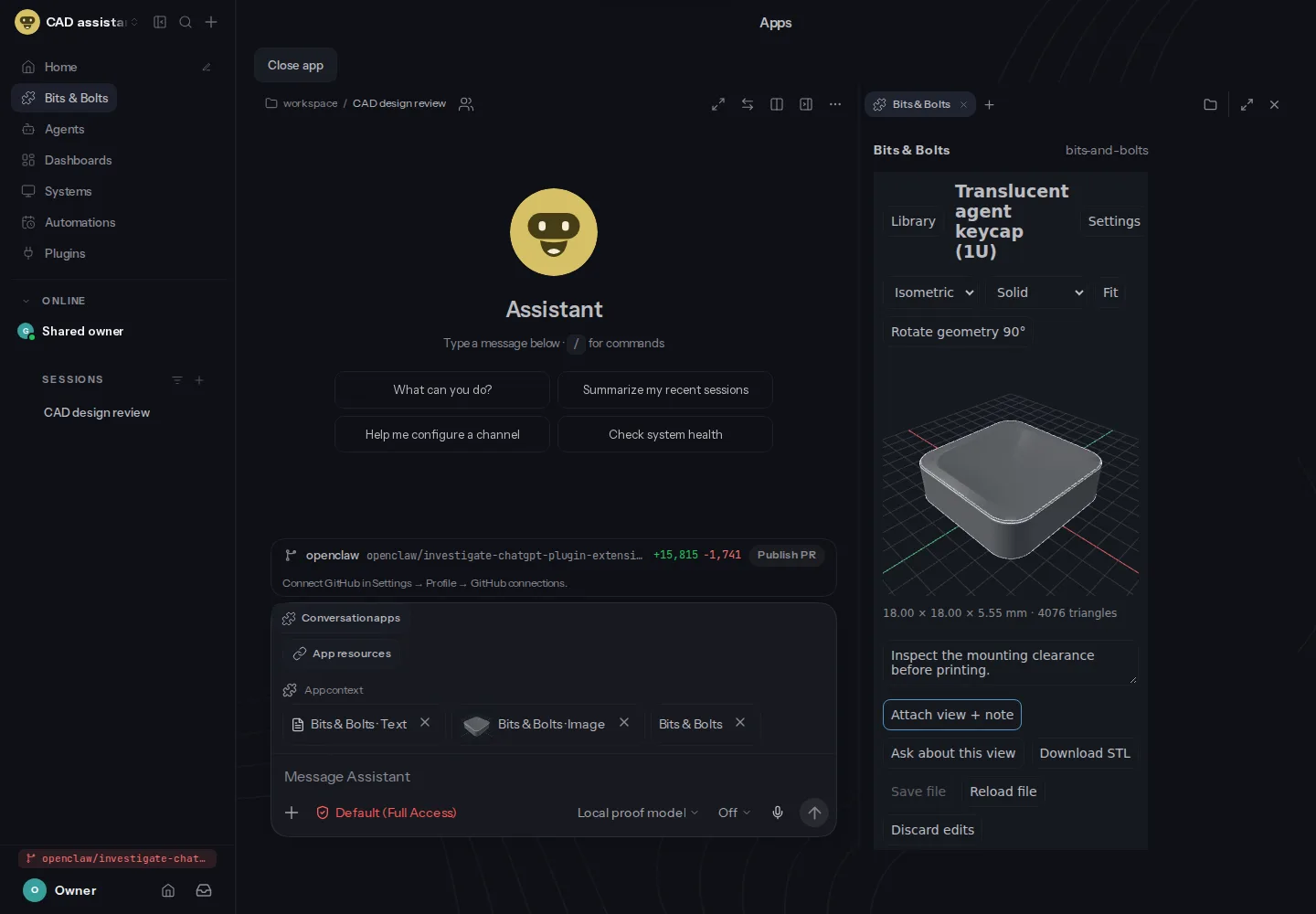
OpenClaw released version 2026.10.1 on October 10, 2026, its first stable release since 2026.9.7. Agents can now search the skills installed on a machine and read only the one a task needs, instead of carrying the whole library in the prompt. Opt-in MCP Apps run beside chat, and full backups can go to an external drive or Cloudflare R2. Three changes can break existing setups: session-to-session messaging, the old required argument, and Workboard data stored before July 2026.
OpenClawverified
Claude Code 2.1.294 fixes prompt hooks that let through the actions they were written to block
Anthropic released Claude Code 2.1.294 on October 8, 2026. It fixes prompt and agent hooks phrased as instructions, which could allow exactly the actions they were meant to stop. Version 2.1.295 followed the same day with an onFailure setting that makes a crashed or timed-out command or HTTP hook block the action. Releases 2.1.292 and 2.1.293 from earlier in the week closed several permission and sandbox gaps.
Claude Code Releases (GitHub)verified