Put Baseline in CI so the browser stops deciding for you
Three packages and about 20 minutes. One config tells your build which browsers you target, a linter warns when a stylesheet reaches past that line, and CI says it on the pull request instead of a user saying it in a bug report six weeks later.

Browser support is a decision your team makes, and most teams make it by accident — someone uses a property, nobody checks, and the answer arrives as a bug report from a browser nobody tested. Baseline turns that into a number you can put in a config file. Here is the whole setup, with package versions checked in the npm registry on August 21, 2026.
Step one: pick a line, on purpose
Baseline gives you two ways to draw it. Widely Available covers everything fully supported in Chrome, Edge, Firefox and Safari 30 months before today. A year feature set covers everything fully supported in those four by the end of a given calendar year.
Thirty months is deliberately conservative, and that is the point: it is the line at which a feature is unlikely to be your problem. If your analytics say your visitors run current browsers, a recent year target is the more honest line. Look at the analytics before choosing, not after.
Step two: one config the whole build reads
browserslist-config-baseline, version 0.5.0, turns a Baseline target into a browserslist config. That matters because browserslist is what Autoprefixer, Babel, Lightning CSS and most bundlers already read. Set it once and the whole toolchain agrees.
In package.json:
npm i browserslist-config-baseline"browserslist": ["extends browserslist-config-baseline"]- Add a
"browserslist-config-baseline"object withlogConfigToConsoleset to true if you want the resolved browser list printed on every run. - The package data changes as browsers ship, so update it on a schedule rather than pinning it and forgetting.
Step three: a linter that warns before review does
stylelint-plugin-use-baseline, version 1.4.6, checks CSS against Baseline. Its own documentation recommends running it at warning severity, because the purpose is to narrow down the features you need to handle with care, not to ban them.
A minimal stylelint.config.js adds the plugin and turns on one rule: plugin/use-baseline, with severity set to warning. Then npx stylelint on your CSS glob. Teams already standardized on ESLint have a second path: @eslint/css, version 1.4.0, carries a use-baseline rule in its recommended set.
Warning severity is the right default for a reason. A rule that fails the build teaches people to disable the rule. A rule that warns teaches them to look.
Step four: make CI say it
The value is not in running the linter locally. It is in the warning appearing on the pull request, next to the diff that caused it, while the change is still cheap to make.
One job on pull requests: install, run stylelint over your stylesheets, and let it report. Keep it non-blocking at first. A month of warnings tells you whether the line you picked matches how your team actually writes CSS, and that is information you want before you turn the gate on.
Step five: reaching past the line on purpose
A warning is not a prohibition. When a newer feature genuinely earns its place, wrap it so the older browser gets a working page rather than a broken one, and let the linter's warning stand as the record that the choice was made knowingly.
This is the whole trade. Baseline does not tell you what you are allowed to use. It tells you what you are about to pay for, in time to decide.
What this does not cover
The two linters here read CSS. Baseline itself covers far more: web-features, version 3.35.1, is the curated dataset behind all of it, and it includes JavaScript APIs and HTML as well. If you want the same check over API usage, that dataset is where to build from, and there is no drop-in linter for it in this setup.
There is also baseline-browser-mapping, version 2.11.17, which maps browser versions to the maximum Baseline feature set they support. That is the package to reach for when someone asks the reverse question: not what can we use, but what does Safari 17 actually give us.
Sources
Corrections
The guide named stylelint-plugin-use-baseline 1.4.5, which was current when it was written; the plugin is at 1.4.6. Every version in the guide is now checked against the npm registry.
Related
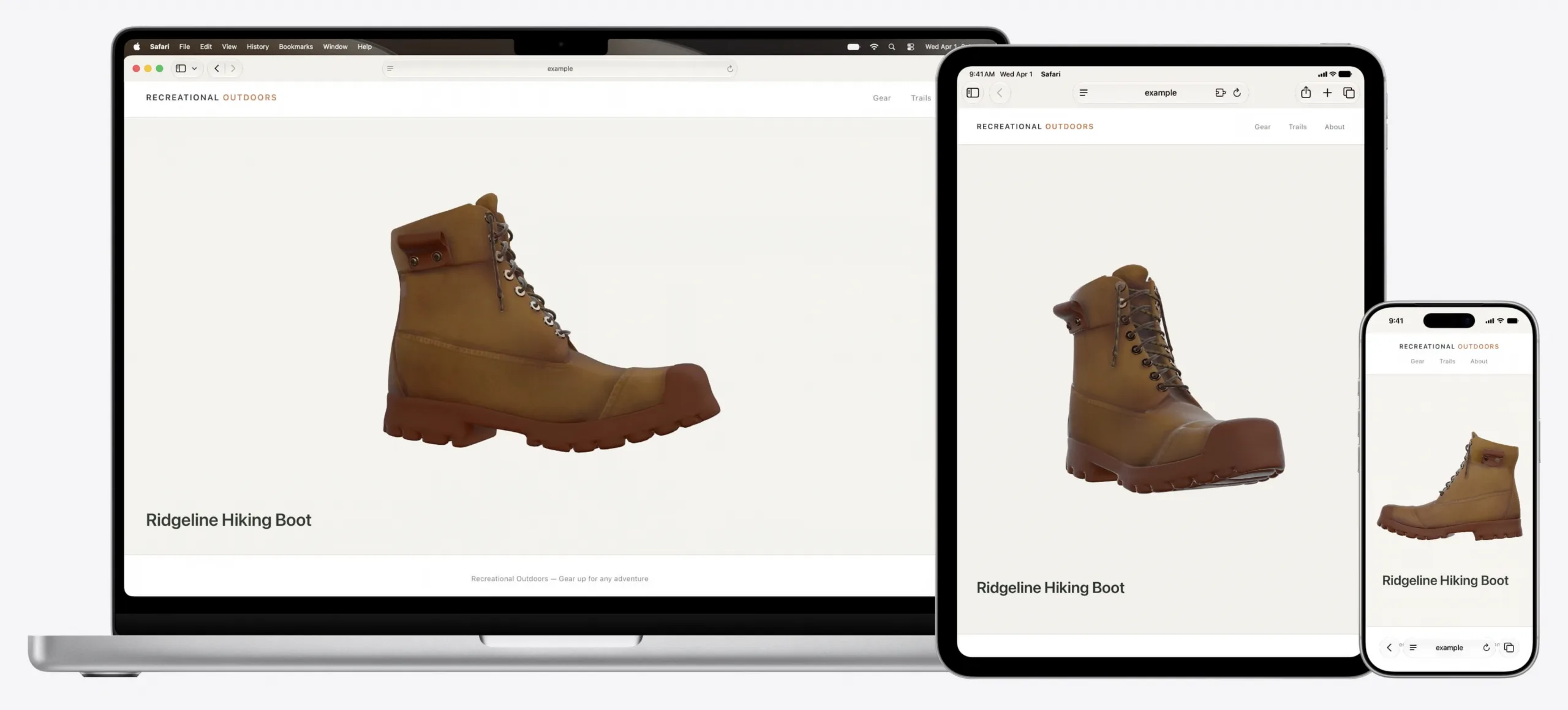
Safari 27.0 ships an MCP server, so a coding agent can drive the browser itself
WebKit published the feature list on September 17, 2026, and it is the longest the team has written: 83 features, up from 58 at the first beta in June, and 844 quality fixes against the 525 announced at WWDC. The headline for anyone who builds with a coding agent is the Safari MCP server, which hands the agent the DOM, network requests, screenshots and console output from a real Safari window. Customizable Select turns the real select element into something you can fully restyle, and scroll anchoring stops the page from jumping when content loads in above what you are reading.
WebKit Blogverified
Safari Technology Preview 252 adds named-feature() and lets SVG reach a filter in another file
The preview build came out on September 11, 2026 and covers WebKit changes between 319252@main and 320112@main. Eleven features are new, and two of them extend the same job: how a stylesheet, and then a script, finds out what the engine underneath can do. The named-feature() function asks about a behavior that has no syntax of its own, and the registry behind it holds exactly two entries today. SVG also gained external resources, so the url() reference can finally point at a filter, mask or gradient stored in another document.
WebKitverified
Interop 2027 proposals close on September 23, and untested ideas do not qualify
The call for Interop 2027 Focus Area proposals opened on September 3, 2026 and closes on September 23, 2026. Proposals are filed as issues on the web-platform-tests/interop repository, and two conditions decide almost everything: the technology must already have a mature standard, and it must be testable, because the test results are what the dashboard scores. Anything that fails the second condition is steered toward an Interop Investigation instead. Twenty days is the whole window, and the evidence a good proposal needs takes longer than an evening to assemble.
WebKitverified