Claude Code 2.1.314 adds a setting that blocks file edits outside the working directories
A new permission setting makes the file-editing tools refuse any path outside the working directories, whatever mode the session runs in. The release also fixes a case in which a session could start without the organization's policy.
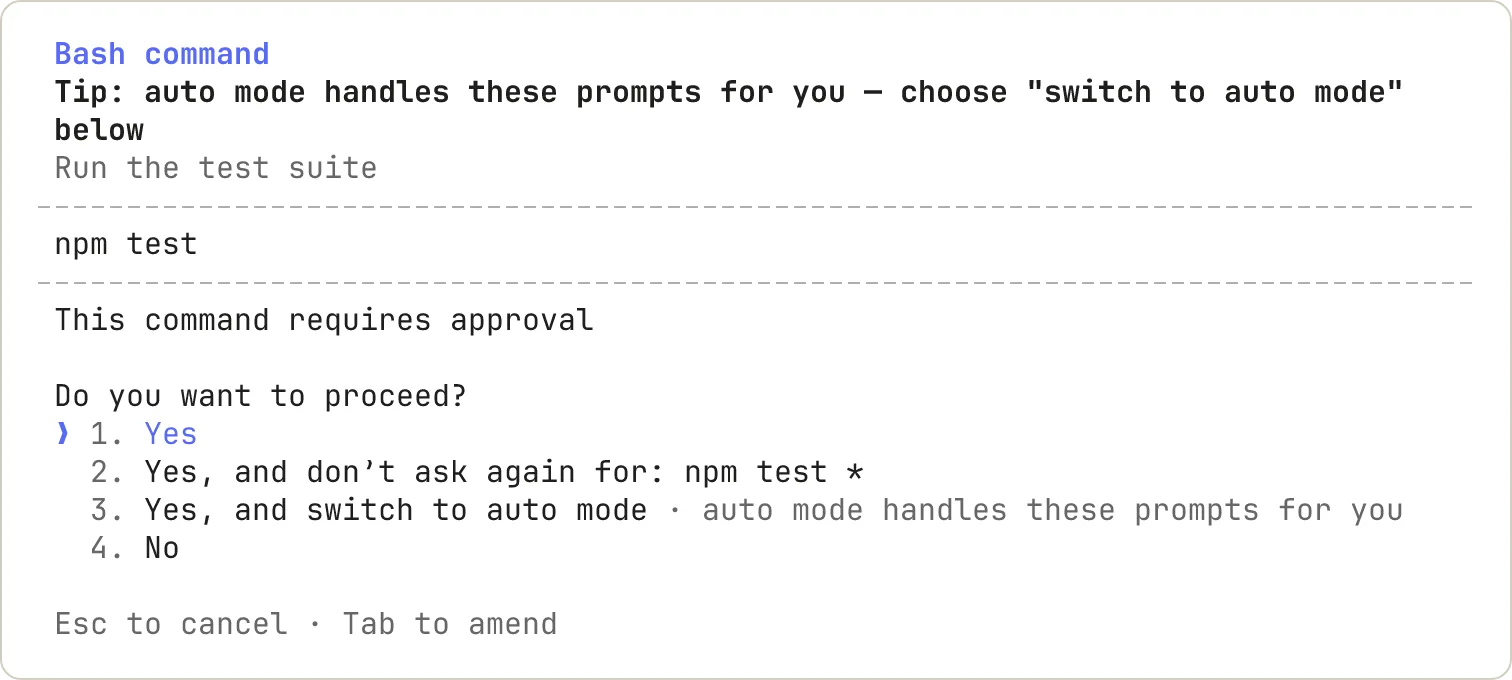
Anthropic released Claude Code 2.1.314 on October 30, 2026. Its main addition is permissions.blockWritesOutsideWorkingDirectories. With it turned on, the Write, Edit and NotebookEdit tools refuse any path outside the working directories, regardless of the session's permission mode. Claude Code already had the same kind of limit for reading files, permissions.blockReadsOutsideWorkingDirectories.
What the setting changes
The working directories are the folder Claude Code starts in, plus any folder added with --add-dir, with /add-dir, or through additionalDirectories in a settings file. The permission mode decides how often Claude Code asks for approval before it acts. In bypassPermissions mode it does not ask at all, and the documentation recommends that mode only inside containers or virtual machines.
The new setting takes paths outside the working directories out of the mode's hands. A write there is refused in bypassPermissions mode too, instead of going through without a prompt.
The release notes name only the three file tools. They do not say that the setting also covers files written by shell commands, and on October 30, 2026, the settings documentation did not yet describe the new key.
Fixes for organizations that manage Claude Code
forceRemoteSettingsRefresh makes Claude Code exit instead of starting when it cannot load the settings the organization serves from its server. When an administrator set it only in those remote settings, it stopped applying once the copy stored on the machine had expired. A session could then start without policy whenever the server could not be reached. Version 2.1.314 fixes that.
TLS trust settings that an administrator puts in managed settings are now also applied in Claude Desktop sessions. TLS is the protocol that encrypts the connection to a server, and these settings decide which certificates Claude Code trusts.
Long conversations and scripts
The VS Code extension and the Code tab in Claude Desktop now compact idle conversations. A conversation of 200,000 tokens or more that is left idle gets a summary. The summary is used with the next message if the prompt cache, which keeps the already processed part of the conversation, has expired in the meantime.
claude -p, the non-interactive mode used in scripts and continuous integration (CI) jobs, used to exit with code 0 and print nothing when startup failed. It now prints the error and exits with code 1, so a failed start no longer looks like a success.
Sources
Once a week, in your inbox
The whole week's news, gathered into one email. No ads, no passing your address on, one-click unsubscribe.
The address is used only for this roundup. It is not sold and not passed to anyone.
Related
Two Claude Code extension versions in Cursor's marketplace carried a backdoor
Versions 2.1.312 and 2.1.313 of Anthropic's Claude Code extension, served by Cursor's extension marketplace on October 29, plant an attacker's SSH key and try to keep a hidden tunnel open. Cursor says Anthropic did not build them. Removing the extension does not undo the damage, so Cursor has published a check and cleanup scripts.
Cursorverified
GitHub Enterprise now includes Copilot for every licensed user, with AI use billed from the first request
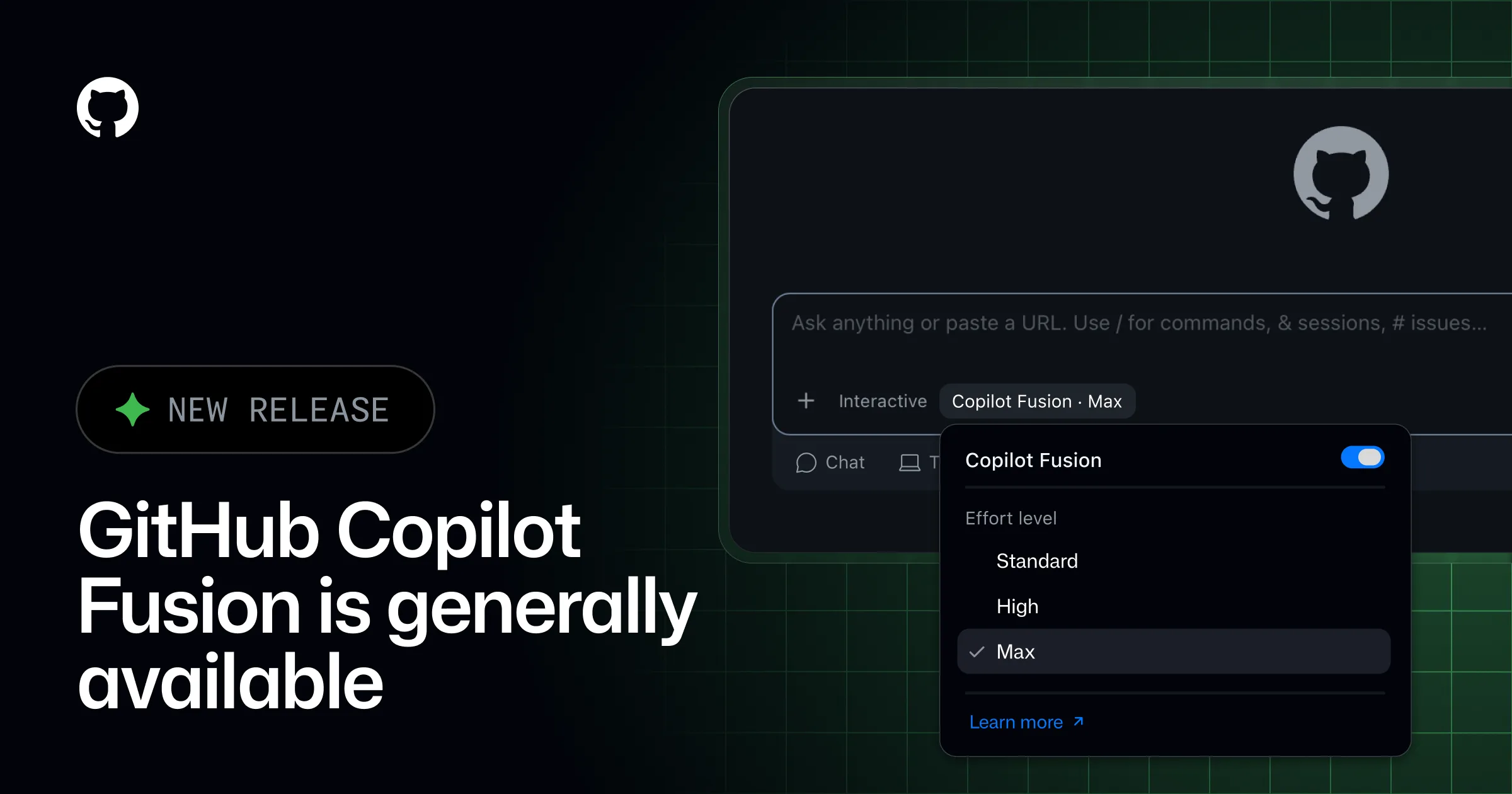
GitHub announced on October 28, 2026, that enterprises working with its sales team get Copilot as part of GitHub Enterprise, without separate seats or monthly credits. The same day, Copilot Fusion, which combines several models on one task, became generally available, and GitHub Agentic Workflows left preview. Each change moves cost control from seat counts to the AI budget.
GitHubverified
GitHub Apps can now use Copilot without a signed-in user, and the organization pays
Services and agents built on the GitHub Copilot SDK can now authenticate as a GitHub App installed on an organization, in public preview. No person's credentials are involved, and every request is billed to that organization under its own model policies and spending controls. GitHub's documentation warns that the read-only permission the app needs still spends money.
GitHubverified