Two Claude Code extension versions in Cursor's marketplace carried a backdoor
Versions 2.1.312 and 2.1.313 of Anthropic's Claude Code extension, served by Cursor's extension marketplace on October 29, plant an attacker's SSH key and try to keep a hidden tunnel open. Cursor says Anthropic did not build them. Removing the extension does not undo the damage, so Cursor has published a check and cleanup scripts.
Source
Security notice — malicious version of Anthropic.claude-code (2.1.312 and 2.1.313) identified in the Cursor VS Code Extension MarketplaceCursor Changelog · Original published October 29, 2026
Anyone who installed or updated Anthropic's Claude Code extension from the Cursor VS Code Extension Marketplace on macOS or Windows between 2:27 a.m. and 1:35 p.m. Pacific time on October 29, 2026, may have received a tampered build. Cursor's security notice names versions 2.1.312 and 2.1.313. The modified code tries to leave a backdoor for the attacker over SSH, the standard protocol for logging in to a computer remotely.
What the tampered build does
According to Cursor's analysis, the code collects the computer's name, the user name, the operating system and processor architecture, the home and working directories, the Git email address, the public IP address, and the names of environment variables. It sends those details to a server the attacker controls.
It then adds the attacker's public key to the user's authorized_keys file, which decides who may log in over SSH, and tries to open a reverse SSH tunnel. That is an outgoing connection from the victim's machine to the attacker's server, which the attacker can then use to reach the machine's own SSH service.
To keep running after a restart, the code installs a LaunchAgent on macOS. On Windows it creates a scheduled task, with a startup script as a fallback. Background scripts retry the tunnel roughly every 60 seconds.
Cursor says one step usually fails. Turning on the local SSH service needs administrator rights, which the extension does not have on most macOS and Windows machines, so on those machines the attacker could not log in through the tunnel. The key was still added, the scripts were still installed, and the report still reached the attacker's server.
What Cursor did, and what is still unexplained
Cursor removed both versions, blocked further distribution, and then shut down the whole marketplace. It rotated its keys, rebuilt the marketplace, and brought it back online. The company says an audit of access found no other tampered extensions, and that the attacker's server was taken offline with help from its hosting provider.
Cursor states that the malicious versions were not developed by Anthropic. Ars Technica reports that the independent researcher Kevin Beaumont and Luke Roberts of the security firm Phorion say the tampered build was published under Anthropic's official account in the marketplace.
How the attackers got that access has not been explained. Ars Technica published its report on October 30, 2026. By then neither Cursor nor Anthropic had answered the question, and Ars reports that Anthropic had not yet warned its customers publicly. Cursor's notice does not give the number of affected installations.
Roberts told Ars Technica that extensions in Cursor update automatically by default, although users can change that in the settings. This suggests that some affected users received the tampered version without choosing to install it.
How to check a machine
Cursor's check looks for the attacker's key, which is labeled svc-telemetry. On macOS, the command is grep -qs svc-telemetry ~/.ssh/authorized_keys, and if it finds the label, the machine is affected. Cursor publishes an equivalent PowerShell command for Windows.
Uninstalling the extension does not clean the machine, Cursor warns, because the payload leaves separate scripts that keep running. Its guidance is to isolate affected machines, remove the key, the scripts, and the tunnel processes, and decide whether to rebuild. Cursor also publishes cleanup scripts for macOS and Windows that exit with an error if anything is left behind.
The last step is to rotate the credentials and sessions that were reachable from the affected machine, working from a trusted system. The extension collected only the names of environment variables, not their values, but Cursor notes that this does not rule out later access to credentials through the backdoor.
„Uninstalling the extension may not be sufficient“
Sources
Once a week, in your inbox
The whole week's news, gathered into one email. No ads, no passing your address on, one-click unsubscribe.
The address is used only for this roundup. It is not sold and not passed to anyone.
Related
Claude Code 2.1.314 adds a setting that blocks file edits outside the working directories
A new permission setting makes the file-editing tools refuse any path outside the working directories, whatever mode the session runs in. The release also fixes a case in which a session could start without the organization's policy.
Anthropicverified
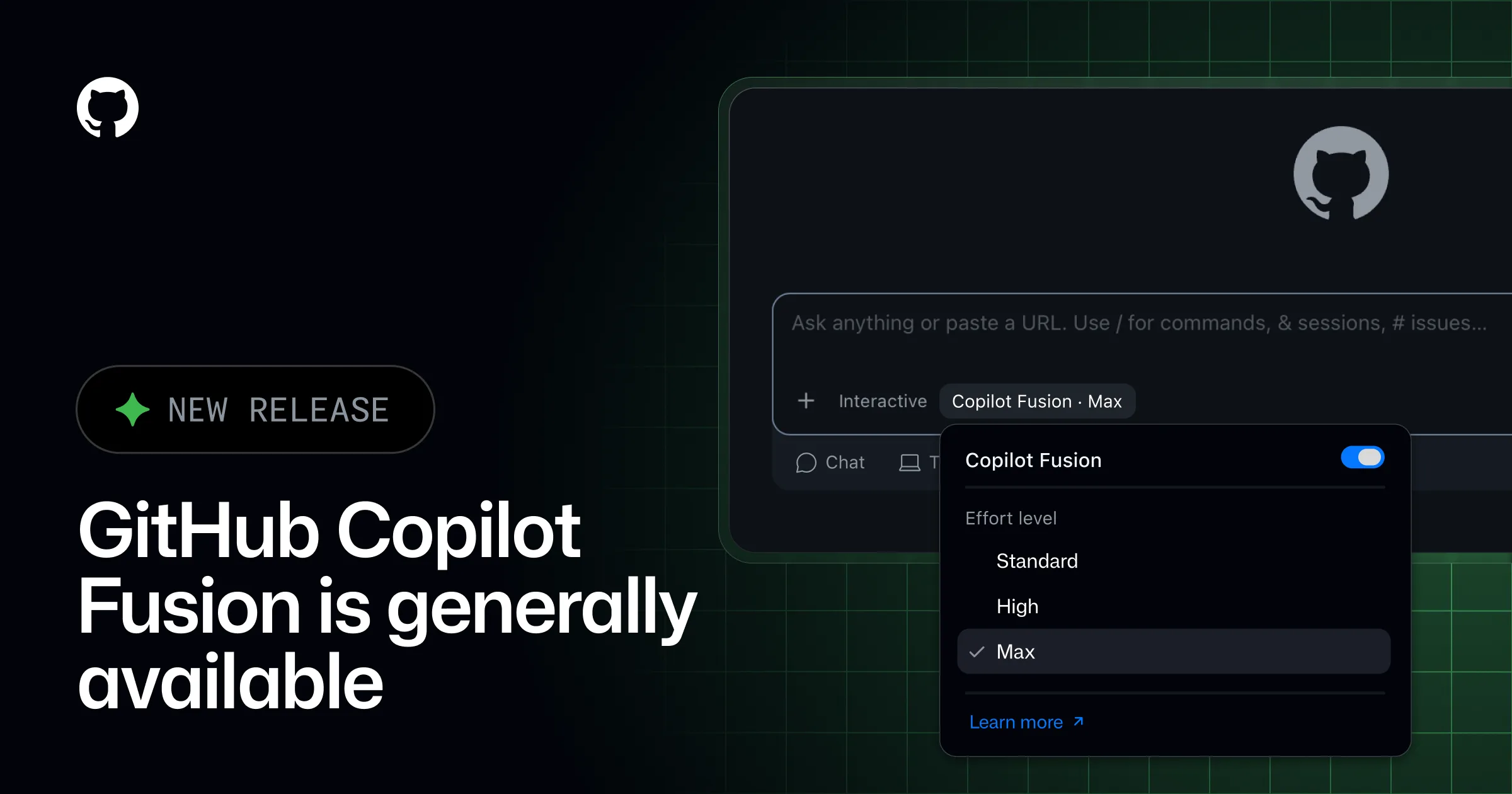
GitHub Enterprise now includes Copilot for every licensed user, with AI use billed from the first request
GitHub announced on October 28, 2026, that enterprises working with its sales team get Copilot as part of GitHub Enterprise, without separate seats or monthly credits. The same day, Copilot Fusion, which combines several models on one task, became generally available, and GitHub Agentic Workflows left preview. Each change moves cost control from seat counts to the AI budget.
GitHubverified
GitHub Apps can now use Copilot without a signed-in user, and the organization pays
Services and agents built on the GitHub Copilot SDK can now authenticate as a GitHub App installed on an organization, in public preview. No person's credentials are involved, and every request is billed to that organization under its own model policies and spending controls. GitHub's documentation warns that the read-only permission the app needs still spends money.
GitHubverified