GitHub Copilot now lets a model approve the actions it judges safe
GitHub has made assisted permissions generally available in Copilot CLI, the GitHub Copilot app, and Visual Studio Code. A language model reviews each request to run a command, access a file system path, or open a URL, and only what it judges clearly safe runs without a prompt. GitHub's own documentation warns that the model can approve dangerous actions.
Source
GitHub Copilot assisted permissions generally availableGitHub Changelog: Copilot · Original published October 26, 2026
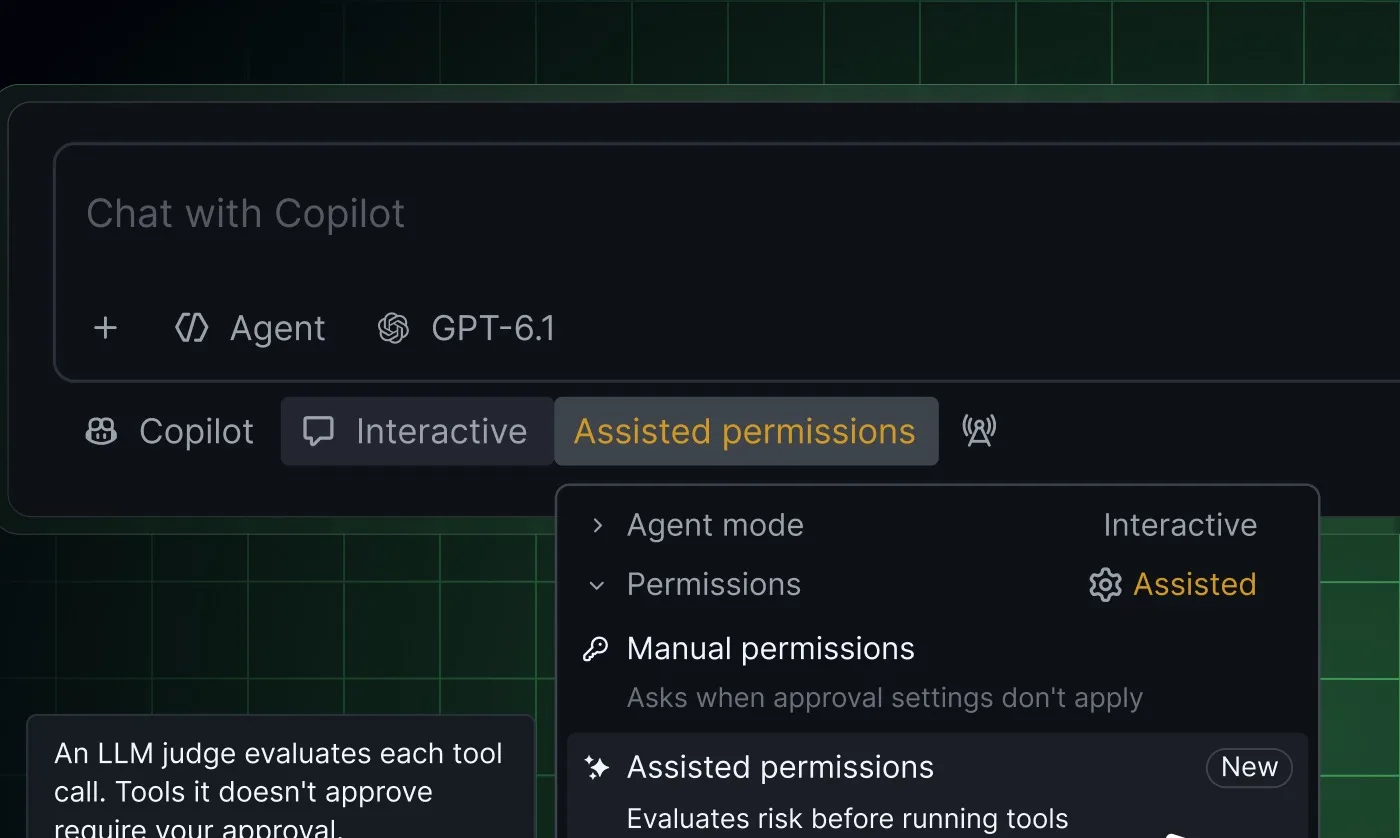
On October 26, 2026, GitHub announced that assisted permissions are now generally available. The feature puts a language model in front of Copilot's permission prompts. Before Copilot runs a command, accesses a file system path, or opens a URL, the model decides whether a person needs to be asked. Requests it classifies as clearly safe proceed automatically, and the rest go to the developer as before.
How the review works
Assisted permissions sits between approving every action by hand and allowing everything. According to GitHub's documentation, existing permission rules and earlier approvals are checked first. Only requests those rules leave open go to the review model, which judges whether the action is safe and within the authority the developer gave for the task.
GitHub chooses the review model, so it can differ from the model in the conversation. If that model is unavailable, the session's active model can be used instead. Developers who bring their own model provider always get their session's active model as the reviewer.
Some requests never reach the review. Enterprise deny rules still apply, tool calls that enterprise rules reserve for a person are left to that person, and requests to bypass local sandboxing keep their usual handling. In autopilot mode and in non-interactive runs, a request that needs approval is denied instead of prompted.
How to turn it on
The setting is in a different place in each of the three tools.
- In Copilot CLI, run
/permissionsand select assisted. - In the GitHub Copilot app, open the mode picker, click Tool permissions, and select Assisted.
- In Visual Studio Code, open the permissions picker and select Assisted permissions.
Administrator controls and GitHub's warning
Enterprise administrators can block the Allow All mode while keeping Assisted available, or disable Assisted on its own with permissions.disableAssistedPermissionsMode: true. They can also set the default mode for new sessions. If that default is unavailable or prohibited, the session starts with manual approval. Cloud sessions do not offer tool permission controls.
GitHub's documentation says the model can make mistakes and approve dangerous or unintended actions, and that the feature is not a substitute for sandboxing or access restrictions. Neither the announcement nor the documentation says what data is sent to the review model or which Copilot plans include the feature.
„The model can make mistakes and approve dangerous or unintended actions.“
Sources
Once a week, in your inbox
The whole week's news, gathered into one email. No ads, no passing your address on, one-click unsubscribe.
The address is used only for this roundup. It is not sold and not passed to anyone.
Related
Claude Code 2.1.321 stops MCP sign-in from sending refresh tokens to another host after a redirect
The most serious fix in the release concerns MCP servers that require an OAuth sign-in. Three more fixes cover cases where a shell command or a file write got past a permission check. Claude Fable 5.2 also becomes the default Fable model.
Anthropicverified
OpenClaw 2026.11.2 stops project settings from adding programs to the agent's PATH
OpenClaw's latest patch release adds no features and fixes a set of security problems. The most serious one let a settings file inside a project add programs from that project to the list of directories where the system looks for commands. Two of the fixes change existing behavior, so some setups need to be adjusted.
OpenClawverified
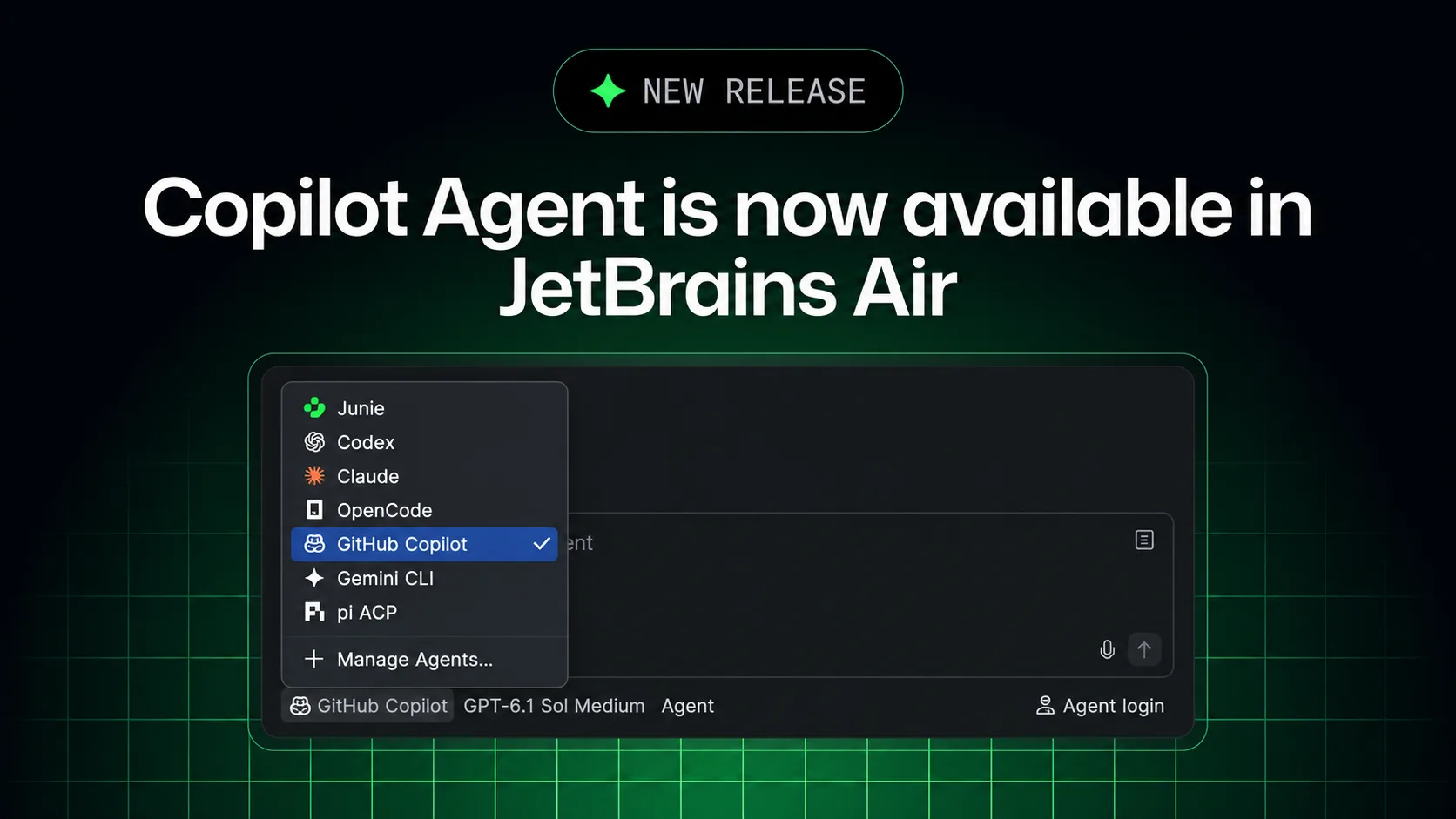
GitHub Copilot now runs in JetBrains Air, and its cloud tasks use a Copilot plan instead of JetBrains credits
Copilot can now be picked as an agent in Air for local and cloud coding work, on an existing subscription. Air administrators can switch it off, but they cannot cap its spending in Air or see its usage in Air's analytics.
GitHubverified