Safari 27.2 renames flow-tolerance to fit-tolerance and adds ::field-content for select
Safari 27.2 renames the Grid Lanes property flow-tolerance to fit-tolerance, following a CSS Working Group decision, and keeps the old name only as a deprecated alias. It also adds the ::field-content pseudo-element for styling the chosen option in a customizable select. The release carries 20 bug fixes, including one for cookies cut to a seven-day lifetime.
Apple's WebKit team released Safari 27.2 on October 26, 2026. The change that affects existing code is a rename: the Grid Lanes property flow-tolerance is now fit-tolerance. The old name keeps working for now, but only as a deprecated alias, and WebKit asks developers to update their stylesheets soon.
The rename in Grid Lanes
Grid Lanes is the CSS layout that packs items of different heights into columns. Safari first shipped it in version 26.4, in March 2026. The CSS Working Group has since renamed flow-tolerance to fit-tolerance, a name that better describes what the property does, and Safari 27.2 uses the new name.
The property sets how strict the browser is when it picks a column for the next item. Without any tolerance, the item goes into the column whose content ends highest on the page. With fit-tolerance, columns within the given distance of each other count as tied, and the browser takes the first one. The default is 1em.
WebKit recommends raising the value significantly in most layouts. A higher tolerance keeps consecutive items in neighboring columns instead of jumping across the page, which helps keyboard users who follow focus from item to item. Safari Web Inspector marks code that still uses the old name.
Styling the chosen option
Customizable Select arrived in Safari 27.0 and lets developers restyle the select element. Until this release, styling the text of the chosen option on the page required a <selectedcontent> element inside the button. In Safari 27.2, the new ::field-content pseudo-element styles that text directly, without <selectedcontent>.
WebKit also adjusted the default styles for appearance: base-select. Button contents center vertically more reliably, the chosen text inherits text-overflow from the select, and the picker icon stays visible even without <selectedcontent>. A large picker that used to spill partly outside the viewport now stays in view through safe alignment.
Fixes worth checking
The release lists 20 bug fixes. One affects sites whose hostname is CNAMEd to a different registrable domain. Cookies set by the response to a top-level navigation were capped at a seven-day lifetime there, and Safari 27.2 fixes that.
Other fixes cover Clipboard API calls that failed on the first attempt because user activation was discarded. Safari 27.2 also fixes decodeAudioData() rejecting valid AAC files and a WebCodecs encoder that stalled on the H.264 Main and High profiles. Safari also no longer takes keyboard focus from other apps while an agent controls it through Safari MCP.
Safari 27.2 comes with iOS 27.2, iPadOS 27.2, visionOS 27.2, and macOS 27.2 Golden Gate, and as a separate update for macOS Tahoe and macOS Sequoia.
„Be sure to update your code soon.“
Once a week, in your inbox
The whole week's news, gathered into one email. No ads, no passing your address on, one-click unsubscribe.
The address is used only for this roundup. It is not sold and not passed to anyone.
Related

Google's AI Mode can now draw on your Google Wallet spending if you connect it
Google is letting people connect Google Wallet to AI Mode, the conversational side of its search, with Drive and the Gemini app to follow. The connections are off until you turn them on, and Google says AI Mode can only read the accounts. AI Overviews will also start reflecting your recent searches, which you can switch off.
Googleverified
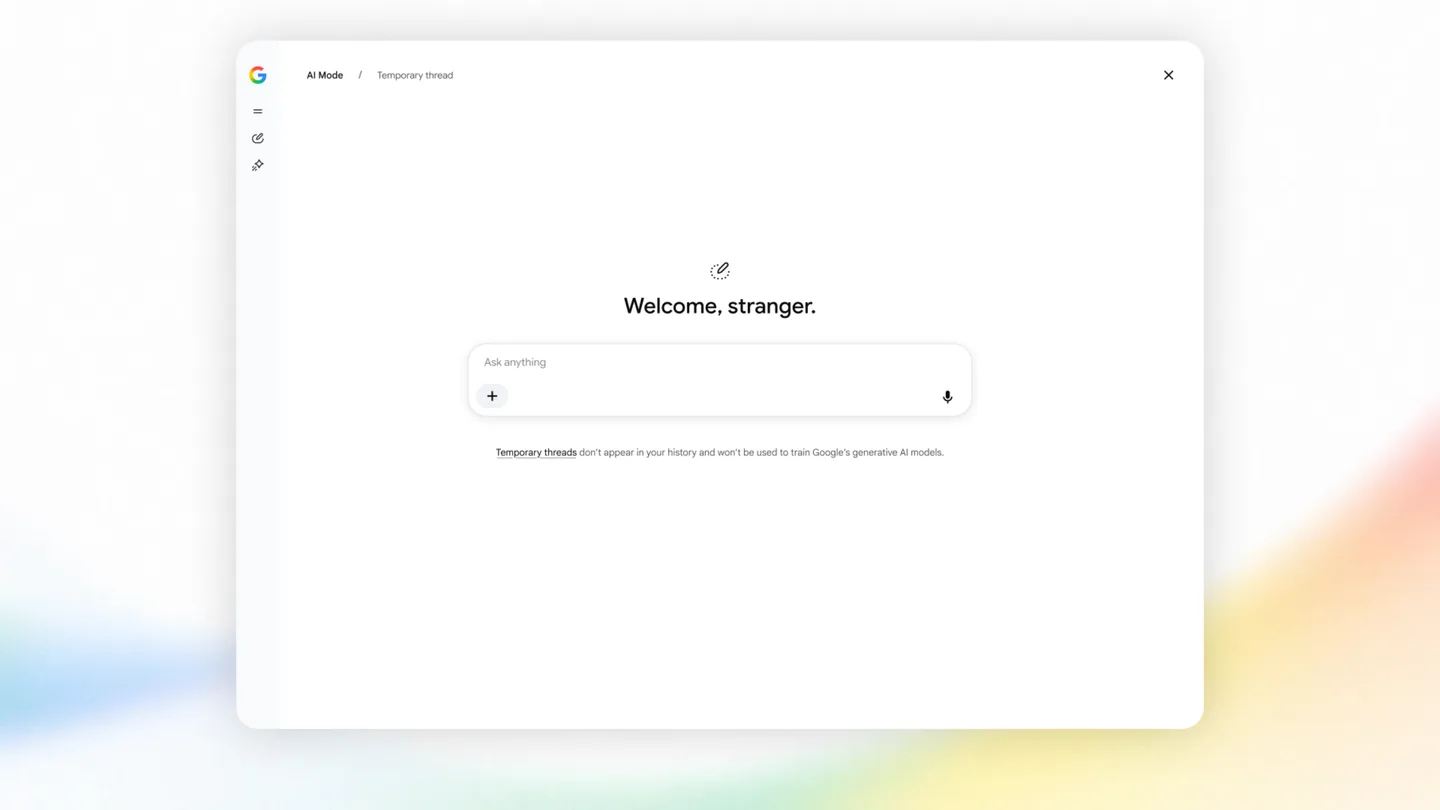
Google adds temporary threads to AI Mode, so conversations stay out of search history
AI Mode in Google Search now has temporary threads. A conversation opened this way is detached from the user's account, is not saved to history, and does not shape later recommendations.
Googleverified
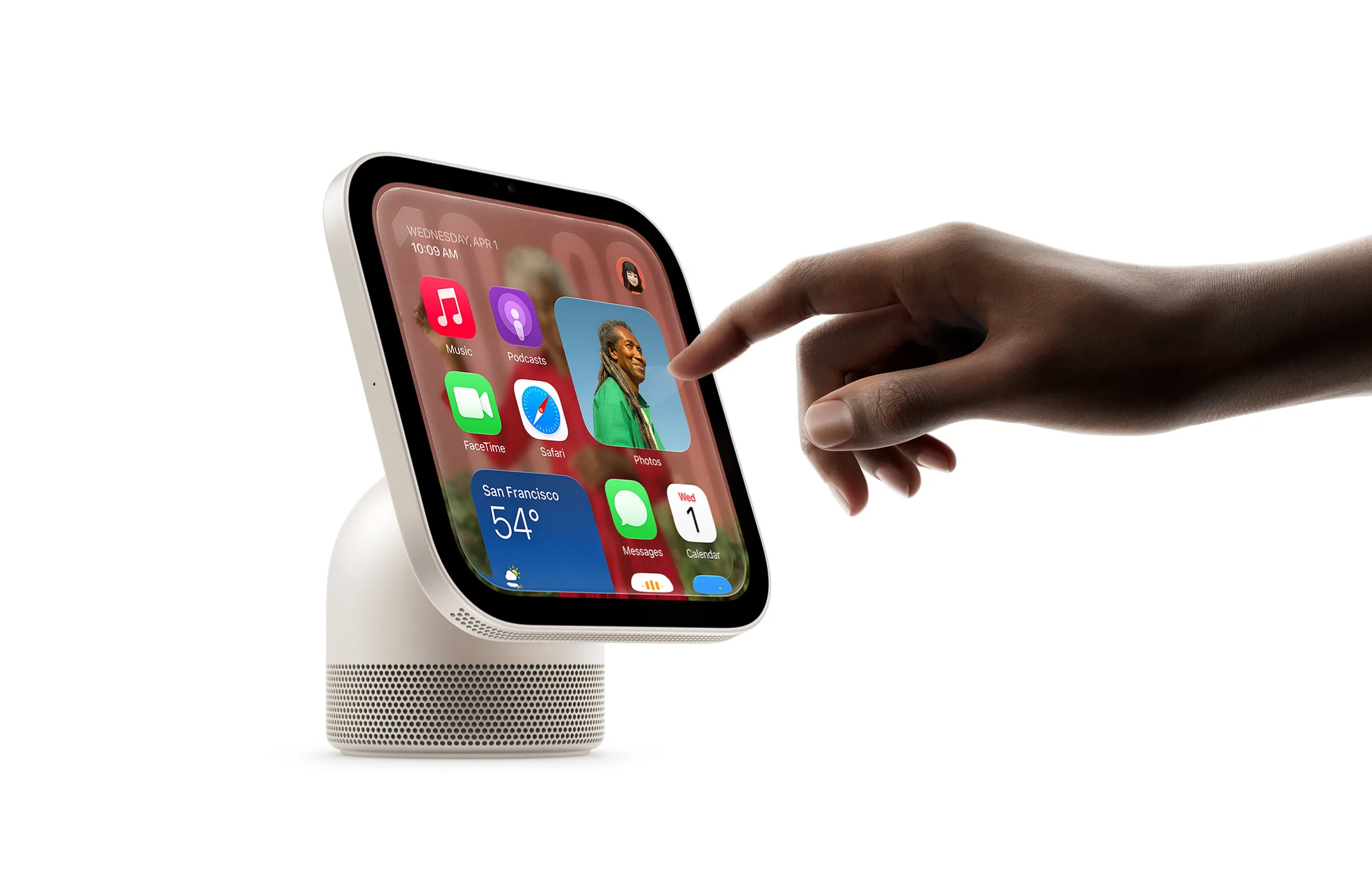
Safari now runs on Apple HomeView, with a square screen and a viewport shorter than 600 pixels
Apple's new home device puts Safari on a square seven-inch display that people operate mostly by voice. The WebKit team says most sites will work as they are, and names the assumptions that break them: a tall viewport, pointer-only controls, and treating an iOS user agent as an iPhone.
WebKitverified