Google's AI Mode can now draw on your Google Wallet spending if you connect it
Google is letting people connect Google Wallet to AI Mode, the conversational side of its search, with Drive and the Gemini app to follow. The connections are off until you turn them on, and Google says AI Mode can only read the accounts. AI Overviews will also start reflecting your recent searches, which you can switch off.
Source
A more tailored Google Search that's uniquely yoursGoogle: The Keyword, AI · Original published November 23, 2026
Google began letting users connect Google Wallet to AI Mode in its search on November 23, 2026. Once you opt in, AI Mode can use your spending and the cards linked in Wallet to answer questions about budgets or card rewards. Support for Google Drive and the Gemini app is due in the coming weeks. Gmail, Calendar, and Photos could already be connected.
What each connection does
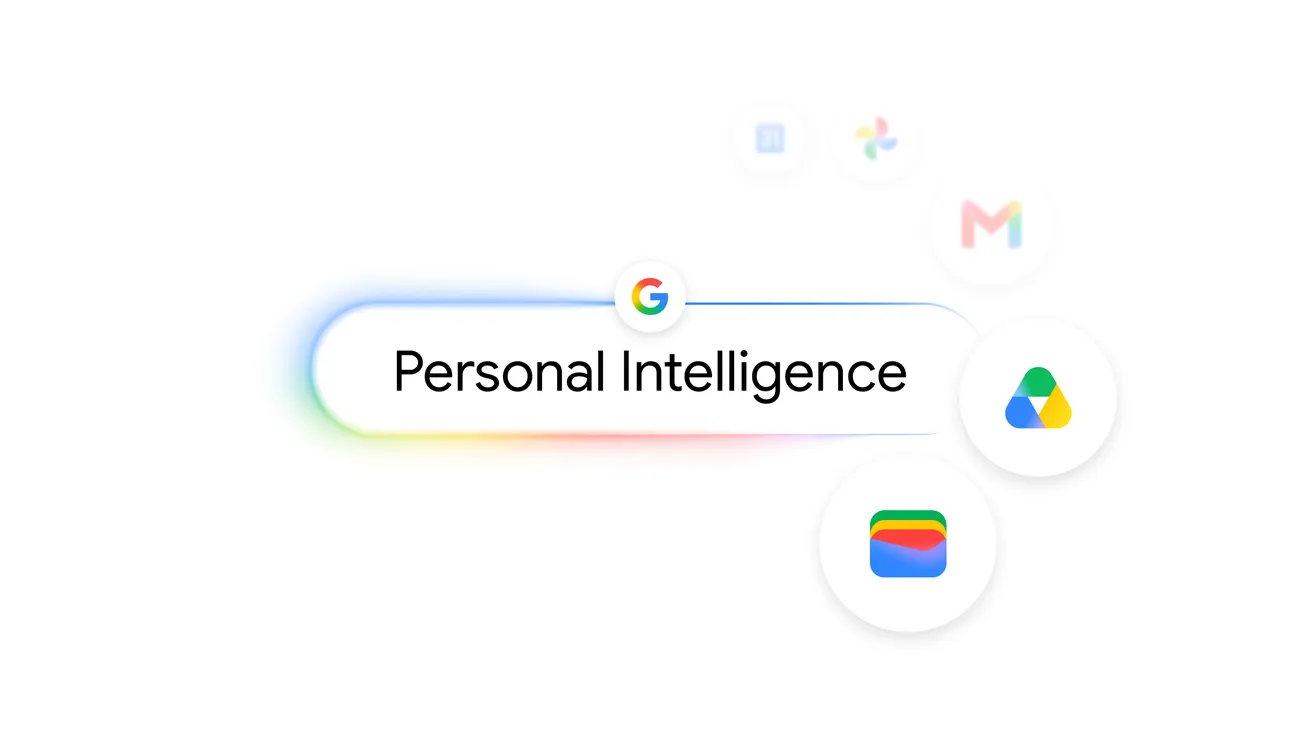
The connections are part of Personal Intelligence, Google's name for answers that use data from a person's own apps. With Wallet connected, you can ask AI Mode where your money goes, or how to use the cash-back categories and travel perks on your cards. Google says AI Mode can only read information from the accounts and cannot move, manage, or invest money.
Drive will let answers draw on documents, spreadsheets, and PDF files, for example to build a preparation plan for tax season. The Gemini connection will carry context both ways: a topic you start in the Gemini app can continue in AI Mode, and the other way around.
Google's post does not say in which countries AI Mode gets the Wallet connection. When the company announced the same link for the Gemini app on November 13, 2026, it limited it to users in the United States. There, people can also connect bank and card accounts to Wallet through Plaid, a service that links financial accounts to apps.
What changes without a new connection
A second change does not depend on connected apps. Responses in AI Overviews, the summaries above search results, and in AI Mode will start to reflect your recent search context. If you were planning a trip, you can pick it up in a new thread without repeating yourself. You can adjust or turn off this personalization in Search settings.
App connections are managed under Connected Apps in Search Personalization and can be switched off at any time. Google says you will soon be able to see what context AI Mode used, through a Personalization icon below the answer.
„it can't move, manage, or invest your money“
Sources
Once a week, in your inbox
The whole week's news, gathered into one email. No ads, no passing your address on, one-click unsubscribe.
The address is used only for this roundup. It is not sold and not passed to anyone.
Related
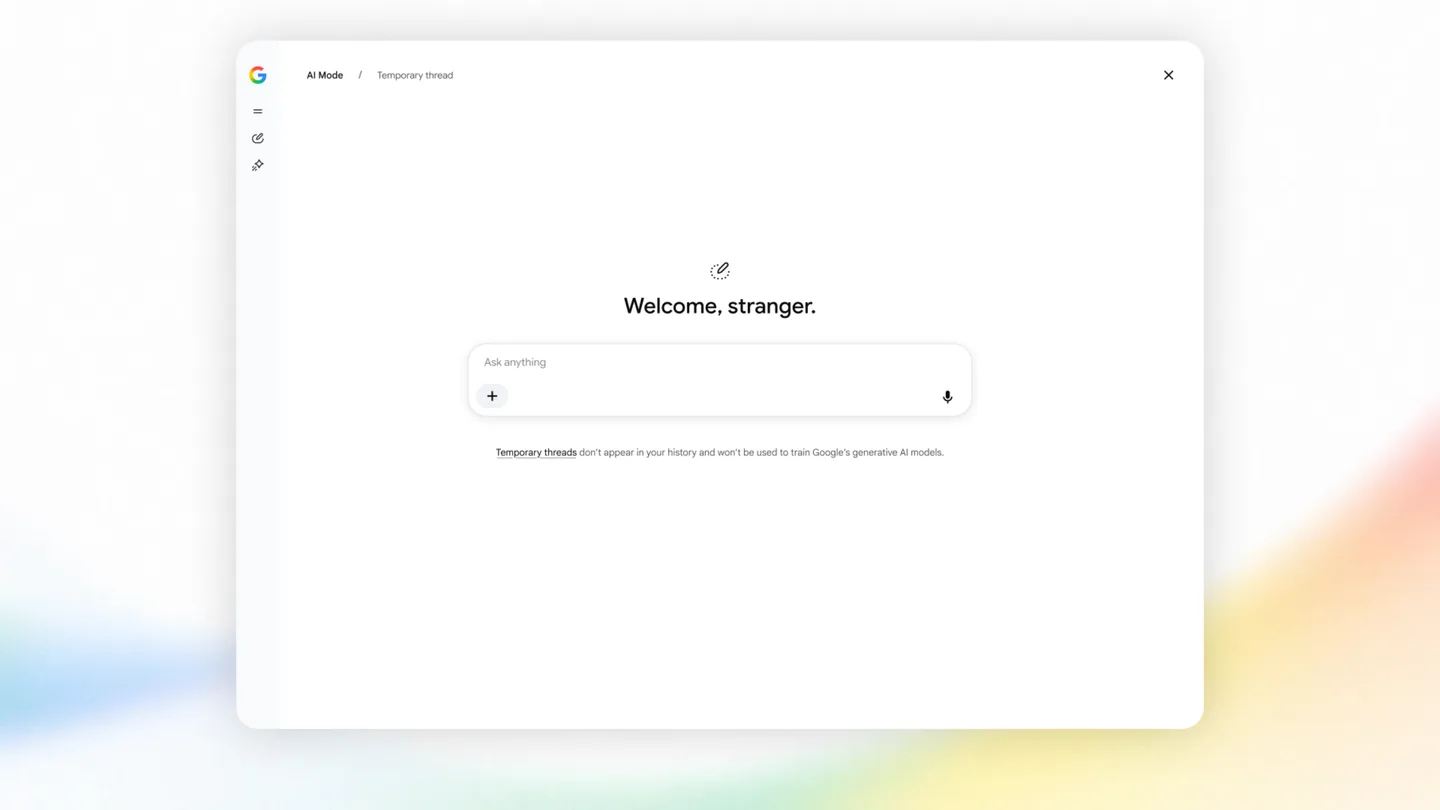
Google adds temporary threads to AI Mode, so conversations stay out of search history
AI Mode in Google Search now has temporary threads. A conversation opened this way is detached from the user's account, is not saved to history, and does not shape later recommendations.
Googleverified
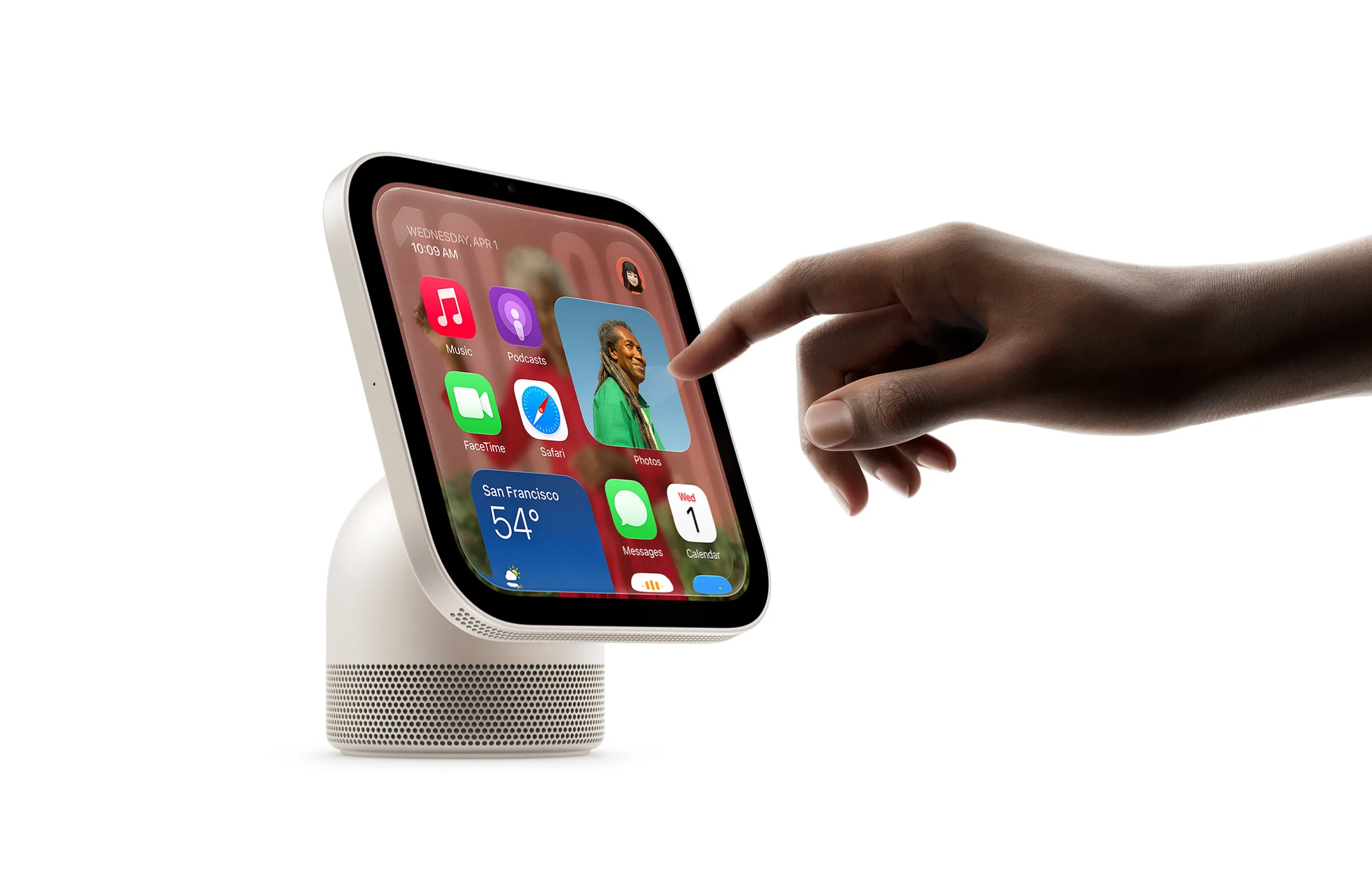
Safari now runs on Apple HomeView, with a square screen and a viewport shorter than 600 pixels
Apple's new home device puts Safari on a square seven-inch display that people operate mostly by voice. The WebKit team says most sites will work as they are, and names the assumptions that break them: a tall viewport, pointer-only controls, and treating an iOS user agent as an iPhone.
WebKitverified
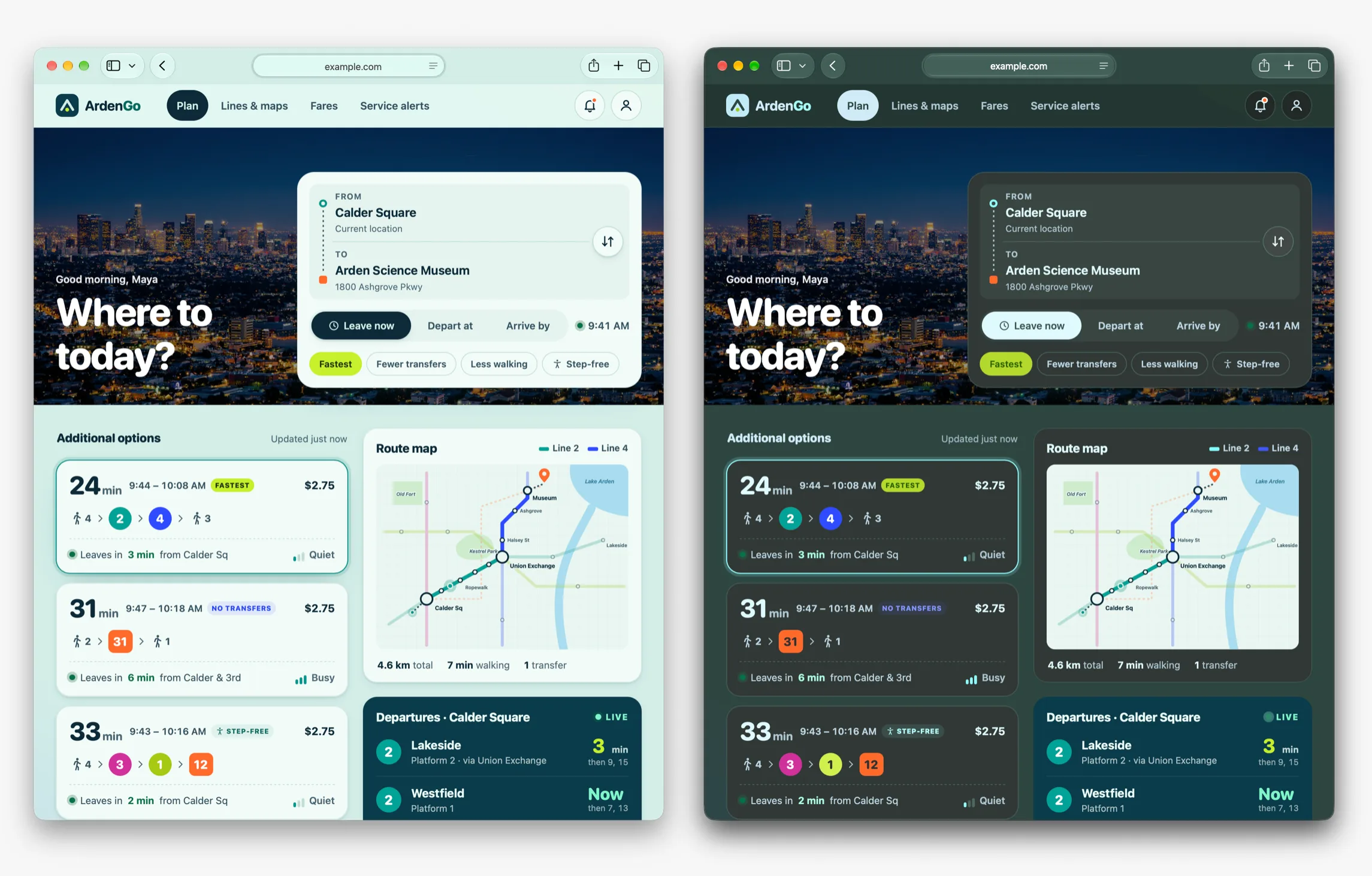
Safari 27.3 beta can darken light websites on its own, and the sites cannot detect it
The WebKit team introduced Adaptive Dark Mode on November 3, 2026. When a user turns it on, Safari recolors light pages that have no dark version of their own. Sites that declare dark mode support are left alone, and scripts keep reading the original colors.
WebKitverified