AI agents on AWS can now run Step Functions workflows as tools through AgentCore Gateway
AWS announced on October 29, 2026, that agents can call AWS Step Functions workflows as tools through Amazon Bedrock AgentCore Gateway. The agent decides when to start a workflow and with what input, while the workflow decides which steps run and in what order. Existing workflows work without changes, and both services bill at their standard rates.
Source
AWS Step Functions workflows now available as AI agent toolsAWS What's New — Machine Learning · Original published October 29, 2026
AWS announced on October 29, 2026, that AI agents can now use AWS Step Functions workflows as tools through Amazon Bedrock AgentCore Gateway. Step Functions is the AWS service that runs a business process as a fixed sequence of steps, and AgentCore Gateway connects agents to tools over the Model Context Protocol (MCP). The agent chooses when to start a workflow and what input to pass, but it cannot skip steps or change their order.
What changes for teams that already use Step Functions
Existing Standard and Express workflows can be offered to an agent as tools without being modified. According to the AgentCore documentation, the gateway builds the tool schemas itself and calls Step Functions with its own service role, so there is no Lambda function or separate MCP server to write.
AWS's example is a customer support agent that starts a refund workflow. Step Functions then runs the eligibility check, the manager approval, and the credit step, so every refund follows the same policy. AWS describes Step Functions as able to orchestrate more than 220 AWS services.
The feature is available in every AWS Region that offers AgentCore Gateway. You pay the standard rates for Step Functions and for AgentCore Gateway.
Ten operations, two kinds of control
The connector exposes ten Step Functions operations. Four of them act on a state machine, the workflow definition, which the administrator pins to the operation when creating the gateway target: StartExecution, StartSyncExecution, ListExecutions, and DescribeStateMachine. The agent never sees the pinned state machine, and the gateway rejects any call that tries to change it.
The other six operations take an execution identifier or a task token that the agent supplies. Pinning does not apply to them, so only the IAM policy of the gateway's service role limits what they can reach.
Standard workflows record every step and can run for up to one year, so work can continue after the agent's session ends. Only Standard workflows can pause and wait for an agent to finish a task. Express workflows can return their result within the same tool call through StartSyncExecution.
The security caveat
IAM cannot restrict SendTaskSuccess, SendTaskFailure, and SendTaskHeartbeat to specific executions, so these permissions have to be granted on all resources. The documentation says any agent holding a valid task token can therefore complete that task, and it advises treating task tokens as secrets that go only to the agent meant to act on them.
Sources
Once a week, in your inbox
The whole week's news, gathered into one email. No ads, no passing your address on, one-click unsubscribe.
The address is used only for this roundup. It is not sold and not passed to anyone.
Related
Claude Code 2.1.321 stops MCP sign-in from sending refresh tokens to another host after a redirect
The most serious fix in the release concerns MCP servers that require an OAuth sign-in. Three more fixes cover cases where a shell command or a file write got past a permission check. Claude Fable 5.2 also becomes the default Fable model.
Anthropicverified
OpenClaw 2026.11.2 stops project settings from adding programs to the agent's PATH
OpenClaw's latest patch release adds no features and fixes a set of security problems. The most serious one let a settings file inside a project add programs from that project to the list of directories where the system looks for commands. Two of the fixes change existing behavior, so some setups need to be adjusted.
OpenClawverified
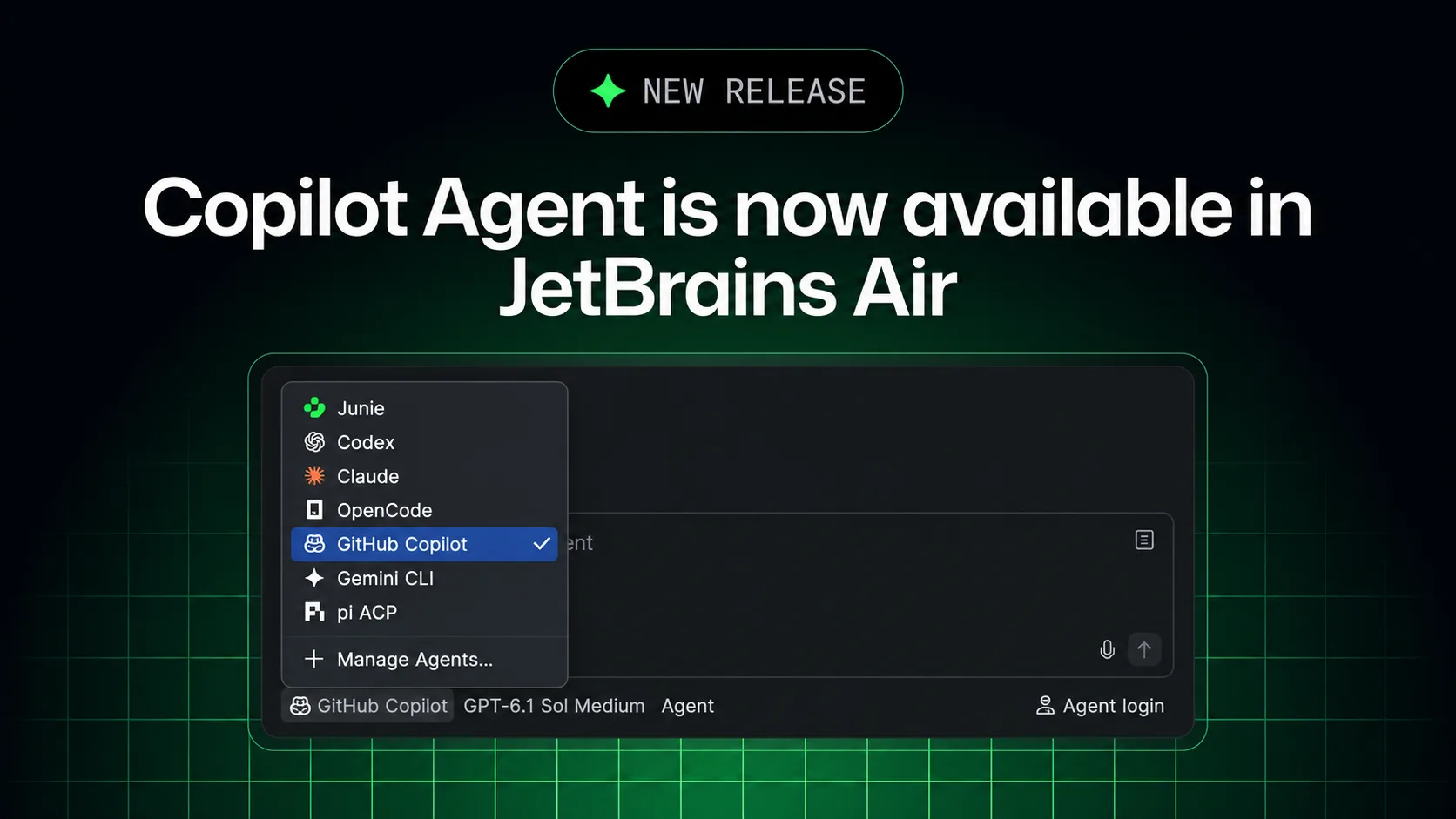
GitHub Copilot now runs in JetBrains Air, and its cloud tasks use a Copilot plan instead of JetBrains credits
Copilot can now be picked as an agent in Air for local and cloud coding work, on an existing subscription. Air administrators can switch it off, but they cannot cap its spending in Air or see its usage in Air's analytics.
GitHubverified