An open source tool turns off Apple Intelligence on macOS 27 and deletes its models
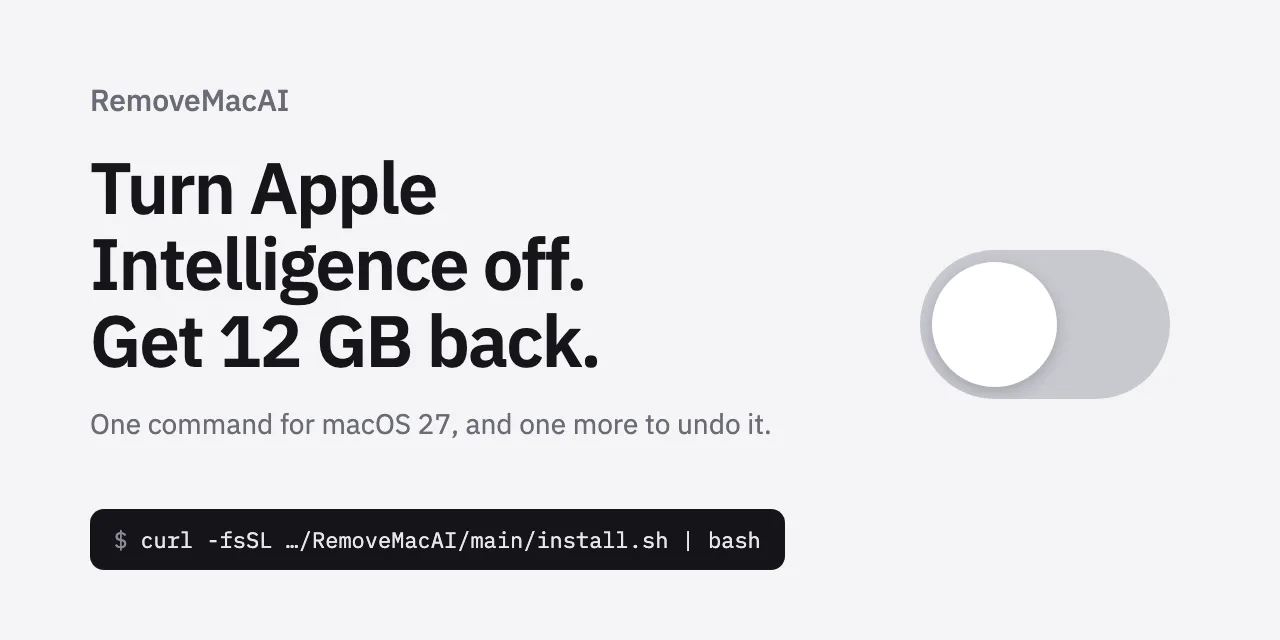
RemoveMacAI is an open source command line tool that turns off Apple Intelligence on macOS 27, removes the downloaded models, and blocks macOS from downloading them again. Its author says macOS 27 no longer has a single switch for these features and keeps the models on disk after they are turned off. MacRumors puts the space freed at roughly 12 GB, depending on which models are installed. The first release came out on September 29, 2026, and four more followed by October 5, 2026.
Source
RemoveMacAI: Turn off Apple Intelligence on macOS 27 and get its disk space backRemoveMacAI · Original published October 5, 2026
The tool is published on GitHub under the MIT license by a developer with the handle omlahore. The Verge and MacRumors reported on it on October 5, 2026. MacRumors added that it does not endorse the tool and that anyone who runs it does so at their own risk. This piece covers what the repository says the tool changes, what stops working afterward, and what is still unsettled.
What the tool does
According to the repository, RemoveMacAI works in three steps. It installs a configuration profile that applies Apple's own restriction keys for Apple Intelligence, and macOS requires you to approve that profile in System Settings. It then removes the models through Apple's asset service. Finally, the profile redirects the download address of each removed model to a closed local port, so macOS does not fetch it again.
The author says System Integrity Protection stays enabled and that no files under /System are modified directly. The author also says the tool makes no network requests and collects no data. Removing the profile restores the previous settings, and macOS downloads the models again when a feature needs them.
The tool turns off Siri, Writing Tools, Genmoji, Image Playground, the ChatGPT extension, summaries in Mail, Messages, Safari, Notes, and notifications, smart replies in Mail, inline text predictions, Spatial Photos, Photos Clean Up, and predictive code completion in Xcode. Dictation keeps working, because its speech models are not removed.
What stops working, and on which Macs
The effects go beyond Apple's own features. The repository says apps that use Apple's on-device models through the Foundation Models framework stop working. The same applies to the Use Model action in Shortcuts, to Visual Intelligence, and to natural-language editing in Calendar.
The tool runs only on Macs with Apple silicon and only on macOS 27. The repository lists macOS 26 and earlier as not supported, and it says version 0.2.3 or later of the tool is needed on macOS 27.0.1.
The freed space may not show up at once. According to the repository, Apple's asset service releases the models immediately, but macOS deletes the files on its own schedule. Until then, the storage view in System Settings keeps counting them under Apple Intelligence.
How to try it without changing anything
You install the tool with a shell script that downloads the latest release and verifies its SHA-256 checksum, or through the Homebrew package manager. The repository says GitHub Actions builds each release from its tag and that each release carries a build provenance attestation, which you can check with GitHub's command line client.
The repository describes four commands that matter before a first run:
removemacai statusshows the state of each feature and the size of the models on disk, and it changes nothing.removemacai off --dry-runshows the changes and does not apply them.removemacai off --keep, followed by feature names, leaves the listed features alone.removemacai revertundoes all changes.
What is still unsettled
The releases show that the tool is still being fixed on real machines. Version 0.2.3 came out on October 3, 2026. It fixes a case where the tool removed nothing on some Macs, including on macOS 27.0.1, because the reported model size was zero. Version 0.2.4 came out on October 5, 2026. It fixes a case where one unexpected set of models stopped the removal of all the others.
MacRumors also relays a warning from the author. Apple marked some of the restriction keys the profile relies on as deprecated in macOS 26.4. Those keys still work in macOS 27.0.1, and a later version of the system could change that.
Sources
Related

OpenAI will test visual ads in ChatGPT during image generation, starting in the US
OpenAI announced a visual ad format for ChatGPT on October 5, 2026. The first test shows image-based ads while ChatGPT generates an image, and it starts later in October in the US with an initial group of advertisers. OpenAI says the ads are clearly labeled, stay separate from the image being created, and do not influence ChatGPT's answers. For advertisers, the same announcement adds conversion tracking through measurement tools they already use.
OpenAIverified
Suno opens its Speech beta to everyone, generating a voice and background music as one track
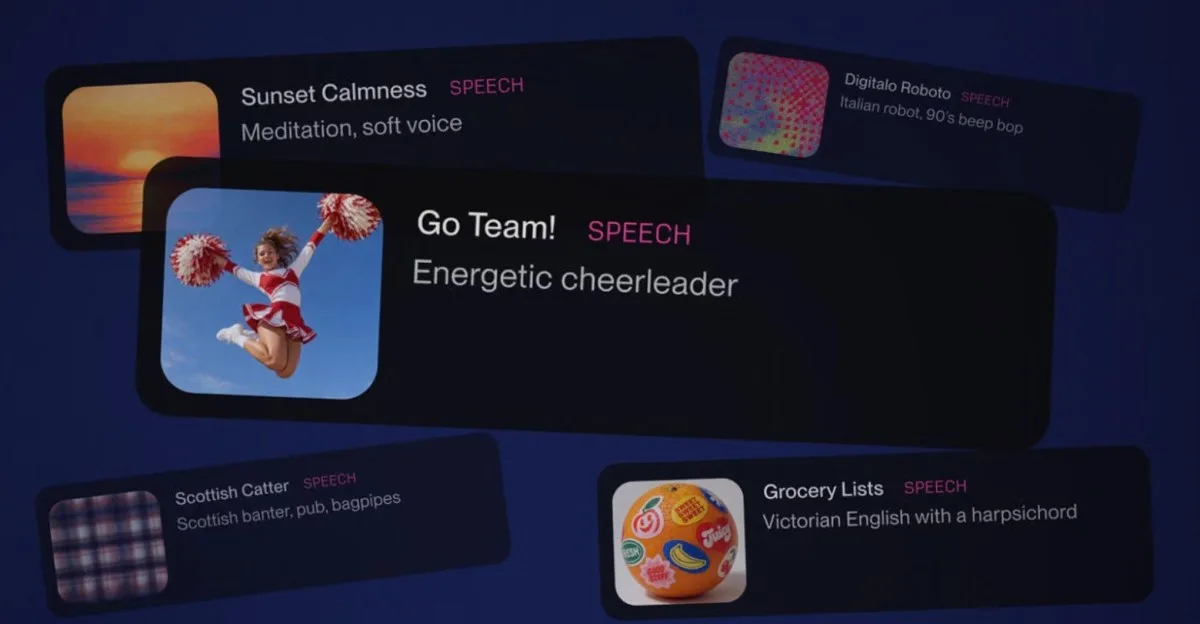
Suno opened the beta of Speech to all users on October 1, 2026. The feature turns a typed idea, poem, or script into spoken audio set to original background music, with the voice and the musical style described in the prompt. Suno calls it the first audio model that generates voice and music together as one track. The announcement gives no price in credits, no length limit, and no list of supported languages.
Sunoverified

Google launches Guided Vision in Gemini Live, a spoken camera guide for blind users
Google launched Guided Vision in Gemini Live on October 1, 2026. You share your phone camera, and Gemini describes what it sees, answers follow-up questions, and tells you how to move the camera when the subject is out of frame. The feature works on Android 9 and above, in the regions and languages where Gemini Live is supported. Google says it is not a mobility aid and is not intended for navigation or obstacle detection.
Googleverified