Google Docs now edits Markdown files directly, without converting them to its own format
Google says .md files uploaded to Drive now open in Google Docs as Markdown and remain Markdown after editing, with comments, suggestions, and version history. Drive also shows a formatted preview. The feature is open to anyone with a Google or Workspace account.
Source
Preview, edit, and collaborate on markdown (.md) files natively in Google Docs and DriveGoogle Developers Blog · Original published October 26, 2026
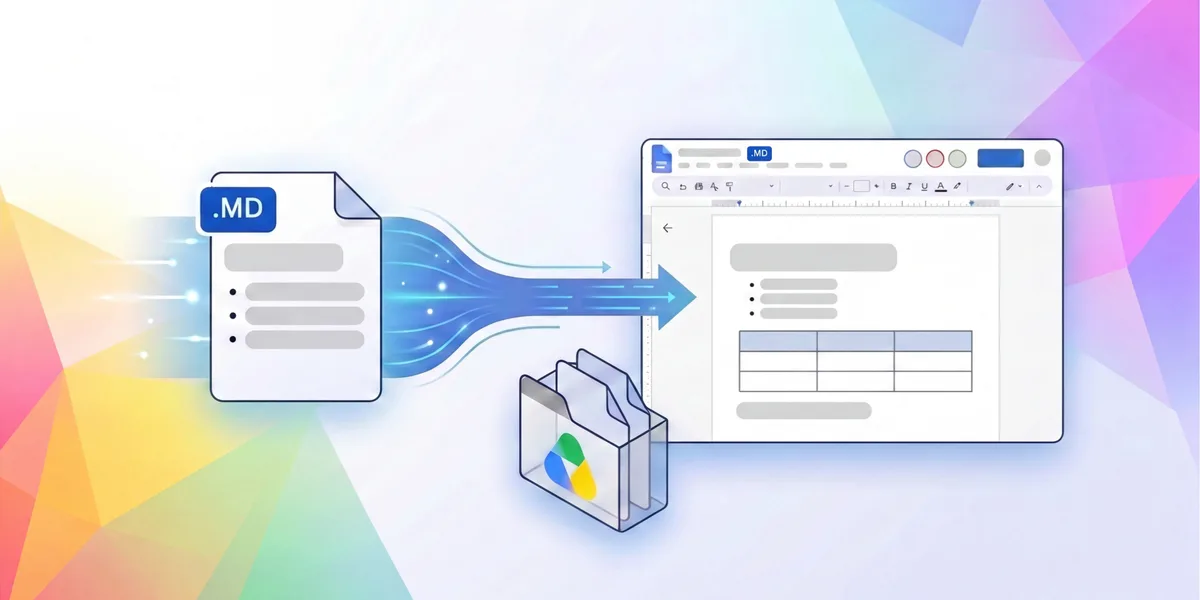
Google announced on October 26, 2026, that Google Docs can now open, edit, and share Markdown files without converting them. Markdown is a plain-text format that marks headings, lists, and tables with simple symbols, and it is the usual format for documentation kept alongside code. A .md file edited in Docs remains a .md file, and Google says it stays usable by developer tools and git repositories.
What changes in Docs and Drive
Google says the feature removes the manual file conversions that working with Markdown in Docs used to require. A .md badge in the document header shows that the open file is native Markdown.
Editing works as in any other document: several people can work at once, leave comments on individual lines, and propose changes as suggestions. Version history records every revision, and Google says that includes changes made by AI agents as well as by people.
In Drive, a Markdown file now gets a formatted preview with tables and links, and a toggle shows the raw text without a separate viewer.
Why Google ties it to AI agents
Google presents the feature as a place where people and AI agents work on the same documents. Language models use Markdown widely, and Google says Markdown use in Drive has grown sharply year over year, without giving a figure. The announcement does not explain how an agent gets edit access to such a file, for example through which API.
To use it, a .md file is uploaded to Google Drive and opened in Google Docs. Google says the feature is available to anyone with a Google or Workspace account.
Once a week, in your inbox
The whole week's news, gathered into one email. No ads, no passing your address on, one-click unsubscribe.
The address is used only for this roundup. It is not sold and not passed to anyone.
Related
Claude gets shared spreadsheets and whiteboards on paid plans, and Claude Data becomes generally available
Anthropic has put Claude Sheets and Claude Whiteboards in beta for every paid plan. Teams can build and edit both with Claude and with each other, without moving the work to another tool. Claude Dashboards left beta under a new name, Claude Data.
Anthropicverified

OpenAI lets businesses claim their ChatGPT profile and see how often they are mentioned
Through a new Business Hub, a company can verify its profile, keep its details and product prices current, and see aggregated mentions and website clicks. Profiles are open wherever ChatGPT operates. Business Agents, which customers can chat with, are limited to eligible U.S. ecommerce and online service companies.
OpenAIverified
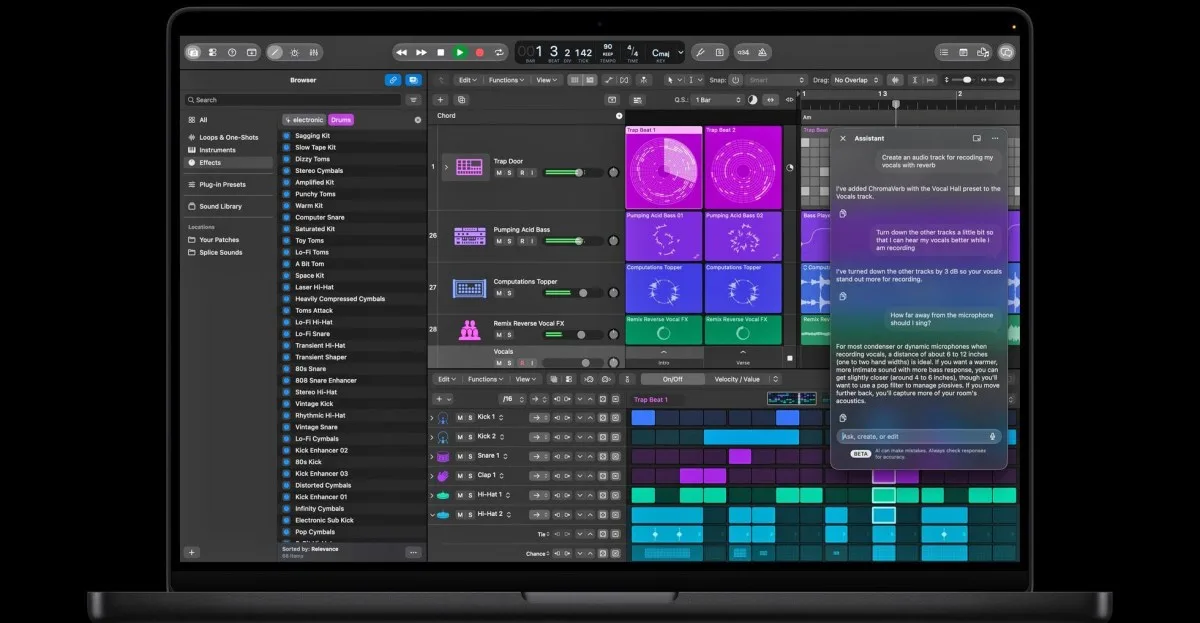
Apple now sells one-time AI usage packs to Creator Studio subscribers who reach their monthly limit
Apple Creator Studio subscribers in eight countries can now pay for more use of AI features after the monthly limit runs out. Unused extra usage carries over for up to 12 months, cannot be shared with family, and is not refundable. Apple's support page does not state a price.
Appleverified