OpenAI launches Dots, always-on agents with their own cloud computer, for Pro and Business Premium plans
A dot runs on GPT-6 Astra, has its own cloud computer and browser, and reaches more than 4,000 apps through plugins. It messages you with progress and questions in ChatGPT, Slack, or Teams, and keeps working while you are away. The first dot is included in a Pro or Business Premium plan, and talking to it does not count against ChatGPT limits. Enterprise workspaces get a beta that is off until an administrator turns it on.
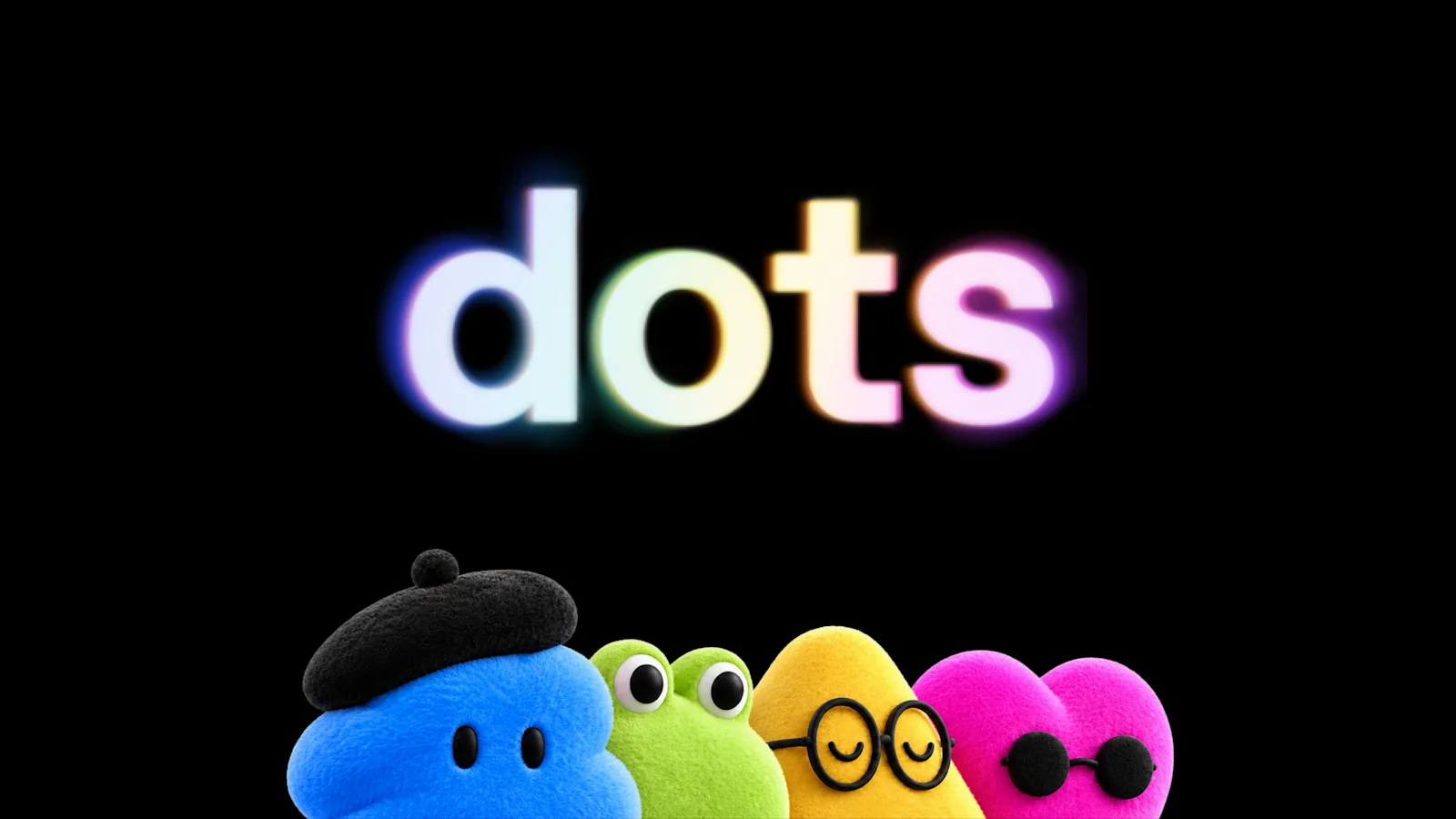
OpenAI announced dots on September 29, 2026, at DevDay. A dot is an agent that stays on, learns a person's preferences over time, and takes on ongoing work rather than single requests. It is OpenAI's entry in the category of continuously running consumer agents, and it arrives with a longer list of safeguards than the company usually publishes with a product.
What a dot is made of
Each dot is powered by GPT-6 Astra and has its own cloud computer with its own browser. Through ChatGPT's plugin ecosystem it can connect to more than 4,000 apps. The person can open the dot's computer at any time to inspect what it is doing, and can also give the dot permission to connect to their own laptop and work there directly.
A dot can carry several projects at once. It reports back with progress, questions, and decisions that need a person, and OpenAI says it also looks for work on its own, which the company calls proactive research. Examples in the announcement include turning customer feedback into tested pull requests with a video of the change, revising launch materials when scope changes, and rerunning a scientist's analysis when new data arrives.
Where you talk to it
A dot is reachable by message or voice call in ChatGPT on desktop, web, and mobile, and by message in Slack and Microsoft Teams, with text messaging announced for later. Context carries across channels, so a project started in ChatGPT can be continued from Slack. For now each person creates one primary dot and gives it a name. OpenAI says teams of dots will come later, along with the option to add dots and to scale each one's speed or monthly amount of work.
Plans, price, and limits
Dots are rolling out to Pro and Business Premium subscribers in eligible markets. Enterprise users, including Edu and Healthcare, can try the beta once their workspace administrator enables it; it is off by default. The first dot is included in a Pro or Business Premium plan at no extra cost, with an allowance for deeper work and extended limits during the first month after launch.
Conversations with a dot do not count toward ChatGPT usage limits. Tasks the dot starts in Codex or ChatGPT Work count as usual. The setup happens in the ChatGPT desktop app or a desktop browser; after that the dot can be messaged from the mobile app.
Safeguards, permissions, and training data
The dot's computer stays separate from the person's computer unless they choose to connect it. For signing into supported websites, a dot can use saved passwords without exposing them to the model. During proactive research it uses only read-only tools, which cannot send messages, change app content, or control a browser or computer. A monitoring system can pause or stop a dot's work if it detects a safety concern.
Dots come with built-in rules for when to act on their own and when to ask. Custom Rules can allow, require approval for, or block specific actions. An auto-review step checks actions that could affect accounts or share information against those rules and the safety requirements, and decides what proceeds, what needs approval, and what the person must do themselves. Changing a password is always left to the person. Background work is visible in an Activity View.
Content from Business, Enterprise, and Edu workspaces is not used to improve models by default. On personal plans the person controls whether the dot's conversations and work are used. OpenAI says it does not train directly on proactive research or on a dot's notes to itself, though information from them may be used if it informs an eligible conversation, depending on settings.
Specialist dots for companies
Alongside the personal dot, OpenAI is previewing specialist dots that take on a defined responsibility inside an organization, with their own identity, credentials, and access to systems of record. These start as enterprise pilots in which OpenAI's engineers define each dot's duties and review process. OpenAI is also working with Microsoft to manage specialist dots through the governance and security controls in Agent 365.
„Dots can still make mistakes, so always review consequential work.“
Sources
Related
OpenClaw 2026.10.2 stops long tool output from slipping credentials past redaction
A bug in OpenClaw's secret masking let a credential through whenever it straddled the boundary between two slices of a long text. The fix ships in 2026.10.2 along with repaired updates from 2026.10.1 and a new compaction default for OpenAI and Anthropic API keys.
OpenClawverified
OpenClaw 2026.10.1 lets agents search installed skills and changes how sessions message each other
OpenClaw released version 2026.10.1 on October 10, 2026, its first stable release since 2026.9.7. Agents can now search the skills installed on a machine and read only the one a task needs, instead of carrying the whole library in the prompt. Opt-in MCP Apps run beside chat, and full backups can go to an external drive or Cloudflare R2. Three changes can break existing setups: session-to-session messaging, the old required argument, and Workboard data stored before July 2026.
OpenClawverified
Claude Code 2.1.294 fixes prompt hooks that let through the actions they were written to block
Anthropic released Claude Code 2.1.294 on October 8, 2026. It fixes prompt and agent hooks phrased as instructions, which could allow exactly the actions they were meant to stop. Version 2.1.295 followed the same day with an onFailure setting that makes a crashed or timed-out command or HTTP hook block the action. Releases 2.1.292 and 2.1.293 from earlier in the week closed several permission and sandbox gaps.
Claude Code Releases (GitHub)verified