ChatGPT adds virtual try-on for clothes and keeps your reference photo for later
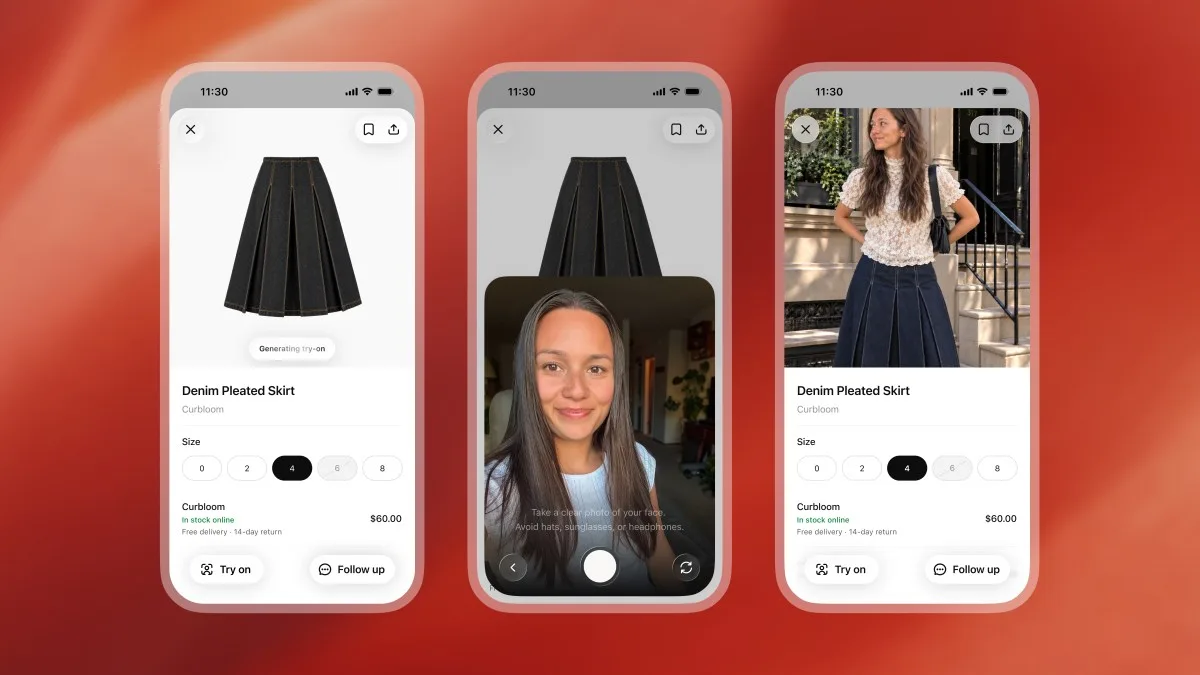
OpenAI added two shopping features to ChatGPT on October 1, 2026. A Try on button on listings for clothes and accessories generates an image of the item on you from a selfie. The selfie is saved as a reference photo for future try-ons until you change or delete it in settings. A second feature, Favorites, saves products to your ChatGPT Library.
Source
ChatGPT can now virtually try on clothes for youTechCrunch AI · Original published October 1, 2026
The ChatGPT release notes dated October 1, 2026, list the change under the heading New ways to shop in ChatGPT. Both features are available in ChatGPT on mobile and on the web. The notes do not name the plans or the countries that get them. TechCrunch reports that OpenAI described the launch as global.
How the try-on works
A Try on button appears on product listings for clothes and accessories in ChatGPT. You select it, then take or upload a selfie, and ChatGPT Images generates a picture of you with the item. TechCrunch reports that a full-body photo also works. According to the same report, you can upload an image of an item, such as a screenshot from a web page, and ask ChatGPT to try it on for you.
TechCrunch also reports OpenAI as saying that the features use ChatGPT Images 2.5, the image model the company introduced on September 8, 2026. In its announcement of that model, OpenAI says it is better at preserving the subjects in reference photos.
Where your photo goes
The reference photo is saved for future try-ons. You can change or delete it in Settings, under Personalization, in the Reference photos entry. The release notes do not say how long the photo is kept if you do nothing, or whether it is used for anything other than try-ons. Favorites arrives with the try-on. You can save any product to Favorites or create a folder to organize products in your ChatGPT Library. TechCrunch reports that saved items sit alongside your try-on images.
The same day brings document scanning on iOS
The same release notes add a Scan option to the ChatGPT camera. You capture several pages in a row, and ChatGPT combines them into a single PDF that is ready to upload to your chat. The option is in the camera's three-dot menu, and it is rolling out on iOS.
„Your reference photo is saved for future try-ons.“
Sources
Related
Gemini 3.8 Live can now answer as a talking video avatar, and Google bills the video only while it speaks
Google made Gemini 3.8 Live with Live Avatar generally available in Gemini Enterprise on September 24, 2026, with US and EU endpoints. The model replies through a lip-synced video character while it listens, watches a camera or a shared screen, and calls tools in the background. Avatar video costs $1 per million tokens at 6,192 tokens for each second of speech. By our arithmetic, that comes to about $0.37 per spoken minute before audio, input, and context charges.
Googleverified
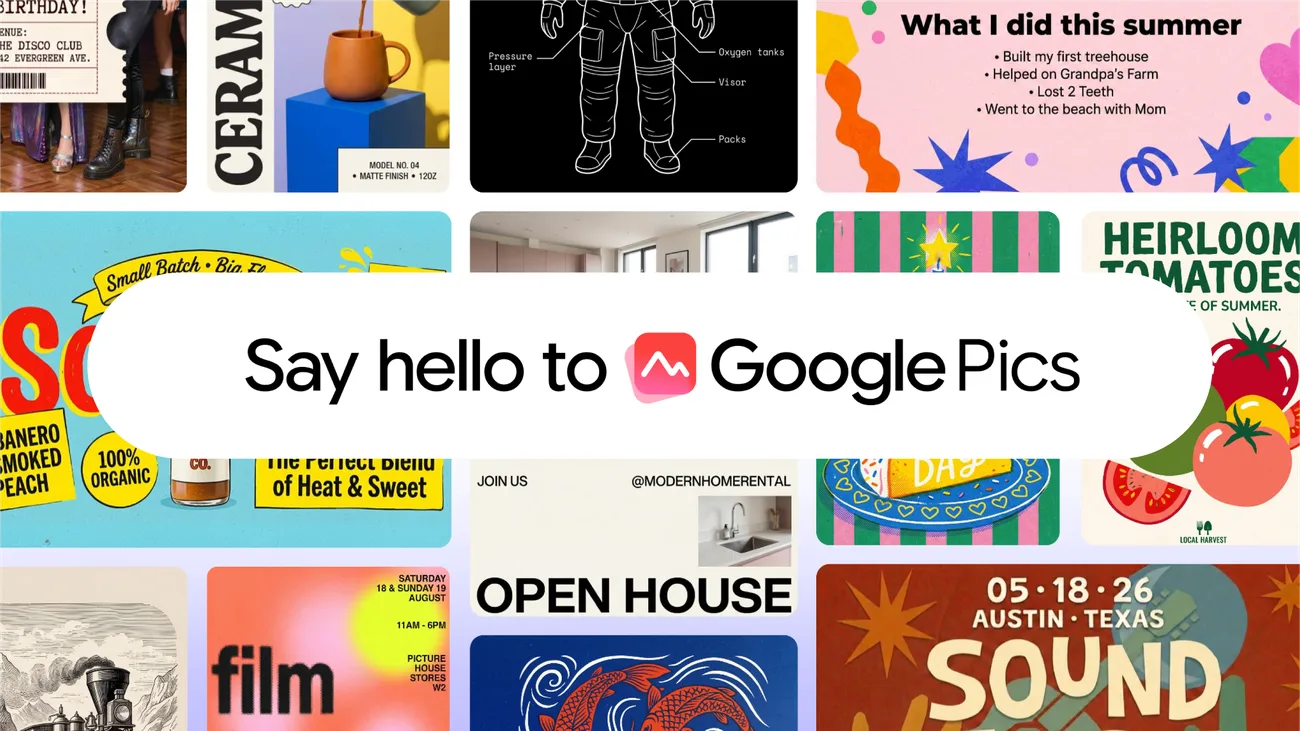
Google put its Nano Banana image editor into Docs and Slides and named it Google Pics
Google Pics is a standalone image creation and editing tool built on the Nano Banana model, and the same controls are being wired into Workspace apps. The integration begins with Docs and Slides on September 1, 2026, and reaches Drive in the coming weeks. Access arrives with a Google AI Pro or Ultra subscription and with most Workspace business plans, rolling out over the coming weeks. Google publishes no quota, no separate price, and no list of supported languages.
Googleverified
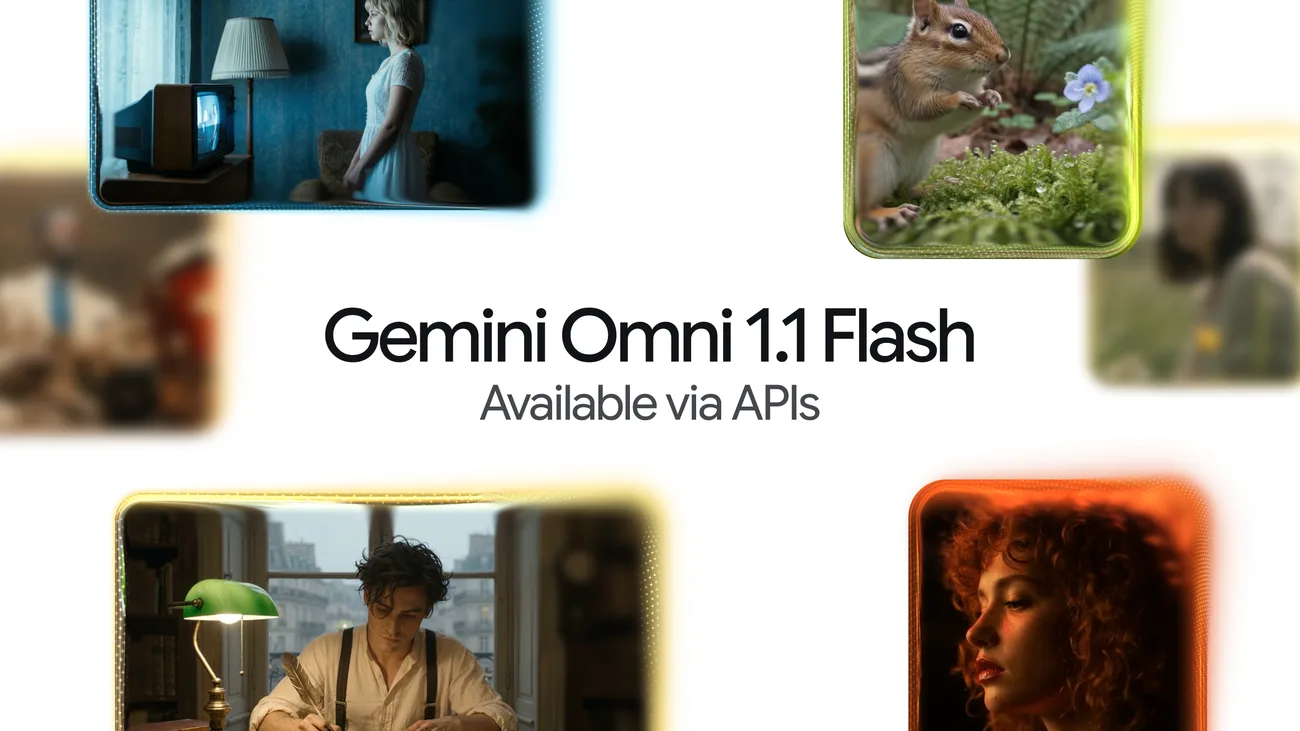
Gemini Omni 1.1 Flash extends a shot to forty seconds and drafts it in 360p first
Google's video model can now continue an existing clip in ten-second steps up to forty seconds total, reading up to ten seconds of prior footage instead of only the final second. A 360p draft mode runs up to 60 percent faster at a third of the cost, and finished work upscales to 1080p or 4K.
Googleverified