Copilot now has a shelf for MCP servers, and that is the interesting part
GitHub made the Customize tab generally available on August 25. It puts MCP servers, plugins, skills and canvases in one browsable place, with trending and category listings — the shape of an app store, applied to connectors.
Source
GitHub Copilot app Customize tab is generally availableGitHub Changelog: Copilot · Original published August 25, 2026
The Customize tab in the GitHub Copilot app left preview on August 25. It gathers four things that used to be configured separately — MCP servers, plugins, skills and canvases — into a single surface where they can be browsed by type, by category, or from a featured list.
What is actually in it
GitHub describes the tab as a starting point for someone who does not already know which MCP server, plugin, skill or canvas they need. There is a Featured view that pulls selected items from each type, dedicated sections per type, and for MCP servers specifically, trending options and browsing by category.
The canvases are the least familiar of the four. GitHub's own example is delegating backlog work from Azure DevOps: triage issues, prioritize the backlog, assign follow-ups, and hand a piece of work to Copilot to investigate or implement while the relevant context stays visible.
Why a tab is a bigger change than it sounds
Until now, connecting an assistant to a tool meant editing a configuration file with a command, arguments and a token. That is a step only a developer takes, and only for tools they already know exist. A browsable list with trending entries changes who installs connectors and how they choose them — discovery moves from documentation to a shelf.
It also changes what an installed connector means. A server picked from a featured list is still a program that runs with your credentials against your data. Nothing in a catalog asserts that a third-party server does only what its description says, and the trust decision that used to live in a config file now sits behind one click.
Related

The same SSRF bug turned up in MCP servers at Google, JPMorgan, and two governments
An independent researcher reported one class of server-side request forgery to five organizations that share no code, and all five confirmed and fixed it. Google's MCP Toolbox for Databases carried a high-severity CVE until version 1.5.0. Five US federal servers are still open. If you run an MCP server with any tool that fetches a web address, the four checks at the end apply to you.
Ars Technicaverified

Meta open-sources Muse Gadgets, which lets its Muse agent run shell commands on a Raspberry Pi
Meta published the Muse Gadgets repository on October 2, 2026, under the Apache 2.0 license. It contains firmware for ESP32 boards and a Linux device SDK that turns a Raspberry Pi into a device its Muse agent can operate. On Linux, Muse runs shell commands with the permissions of the account you install it for, including sudo if that account has it. Meta's documentation says pairing has no manufacturer verification and cannot prevent an active man-in-the-middle attack.
Metaverified
ChatGPT plugins can now run as sidebar apps and react to events from connected tools
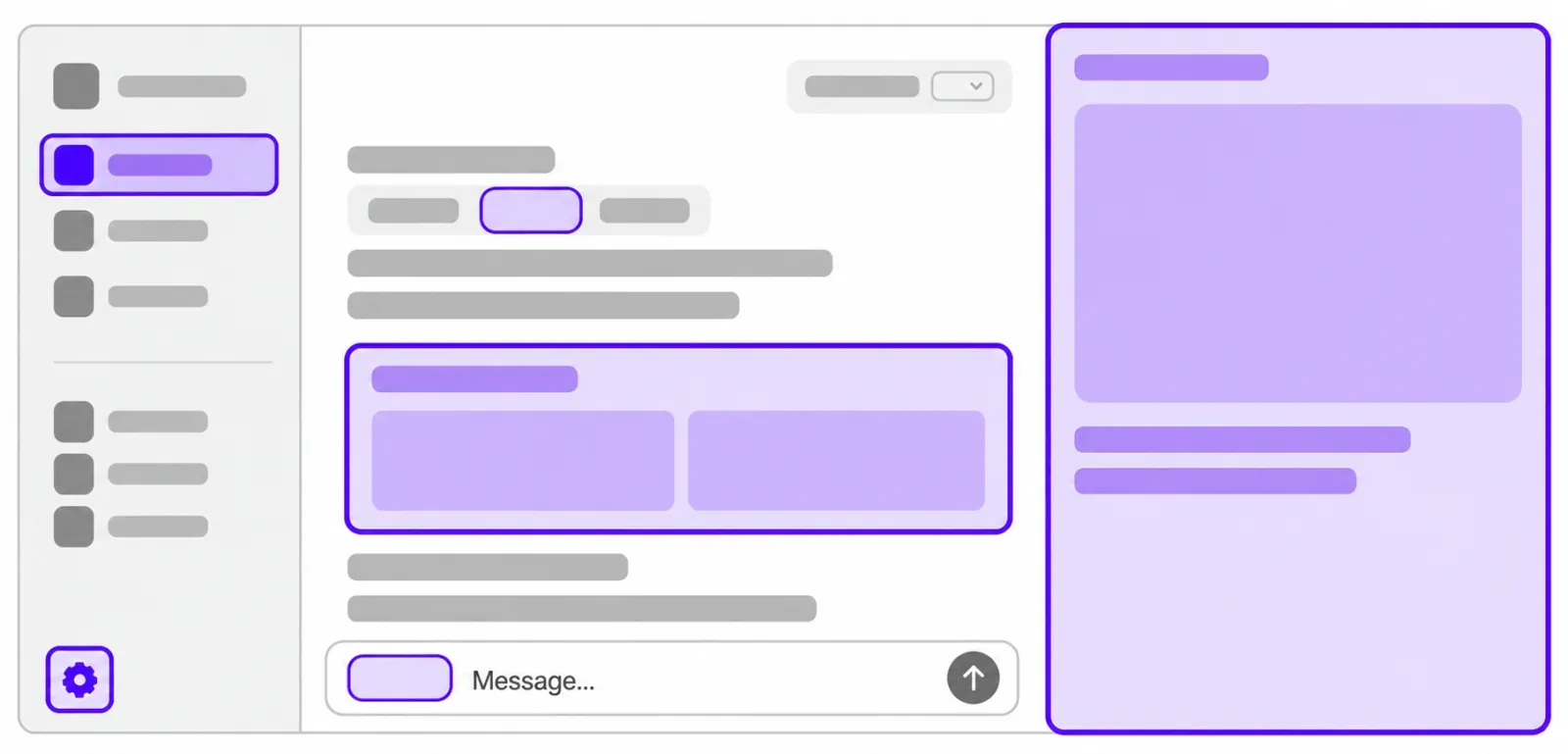
OpenAI opened the interface layer it uses for its own ChatGPT features to outside developers. A plugin can now claim a place in the sidebar, open a panel beside a conversation, and act as the viewer for its own file types. A separate MCP Events integration lets a plugin start an automation when something happens in a connected app, which requires MCP 2.0 and webhook delivery. Sign in with ChatGPT lets a Plus or Pro allowance be spent in 16 partner tools.
OpenAIverified