Meta open-sources Muse Gadgets, which lets its Muse agent run shell commands on a Raspberry Pi
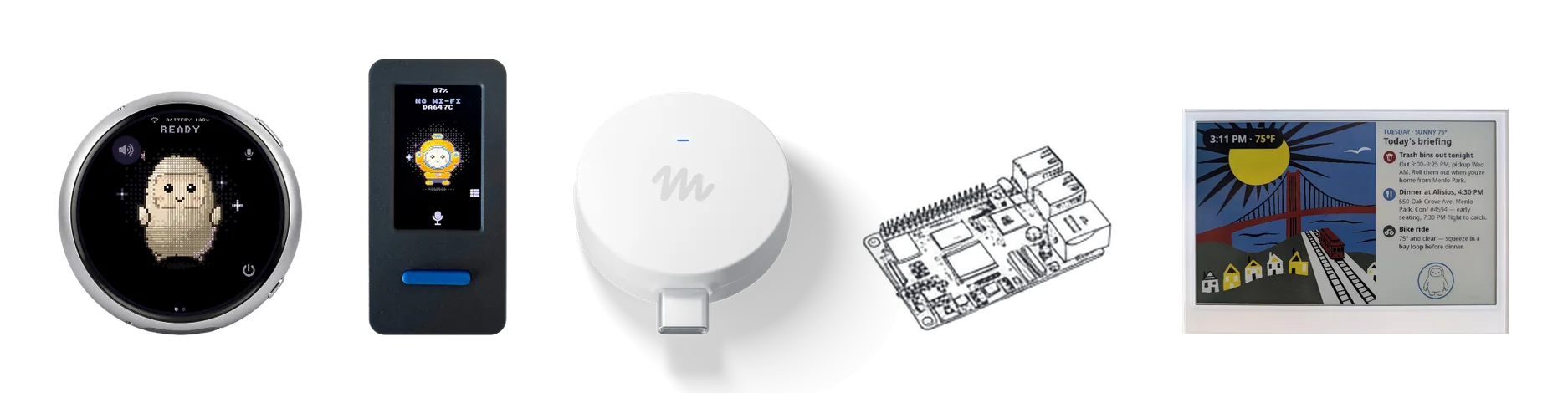
Meta published the Muse Gadgets repository on October 2, 2026, under the Apache 2.0 license. It contains firmware for ESP32 boards and a Linux device SDK that turns a Raspberry Pi into a device its Muse agent can operate. On Linux, Muse runs shell commands with the permissions of the account you install it for, including sudo if that account has it. Meta's documentation says pairing has no manufacturer verification and cannot prevent an active man-in-the-middle attack.
Source
Meta wants your next gadget to be Muse-infusedTechCrunch AI · Original published October 2, 2026
Muse Gadgets are devices you build yourself and connect to Muse, Meta's personal AI agent. Meta released two SDKs on October 2, 2026: firmware for ESP32 boards and an installer for Linux computers. Every gadget needs an SDK token to pair, and it pairs through the Muse app on iOS or Android. Meta describes the project as built by hackers, for hackers, just for fun.
What the Linux SDK gives Muse
The Linux device SDK supports the Raspberry Pi 3B+, 4, 5, and Zero 2 W, and other Linux computers with Bluetooth LE. It requires Raspberry Pi OS Bullseye or later, Debian 11 or later, or Ubuntu 22.04 or later, and an account with sudo. The installer puts its files in /opt/musegadget and starts a service named musegadget.
Once the device is paired, Muse has four commands:
system.runruns a shell command and returns its output and exit code.file.readreads a file, 64 KB at a time.file.writewrites a file, 64 KB at a time, and replaces it only when the write is complete.device.healthreports uptime, load, memory, disk, and temperature.
Whose permissions Muse gets
Commands run as the account you installed the SDK for, with exactly that account's permissions. The documentation states it plainly: if the account can use sudo, so can Muse. The installer asks before it gives Muse the account, and it tells you whether that account can use sudo. Running the installer with --run-as assigns a different account, such as one without sudo.
Programs on the machine can also send messages to Muse with musegadget send-user-msg, without credentials of their own. Meta's example is a notice that a garage door has been open for an hour.
What the ESP32 firmware does
The ESP32 firmware connects a board to Muse over your home Wi-Fi. It builds only with ESP-IDF 6.0.1, on a computer running macOS or Linux. Meta names the ESP32-C5 DevKitC-1 as the quickest start, and the list of supported boards includes models from Seeed, Waveshare, M5Stack, and Espressif.
On boards with enough memory, a home-network tunnel lets Muse reach devices you already own and anything with a local HTTP API. Boards without PSRAM, such as the classic ESP32 and the ESP32-C6, run without the tunnel. Replies from Muse are text: push-to-talk sends a voice note, Muse transcribes it and answers in writing, and boards with a screen show the answer as captions.
The risks Meta documents
Pairing requires a physical action: a button press on an ESP32 board, or running the installer or sudo musegadget pair on a Linux machine, where pairing stays open for 10 minutes. Every setup creates a fresh encrypted session. Meta says that pairing has no manufacturer verification and cannot prevent an active man-in-the-middle attack, and it advises setting a gadget up on a network you trust.
On ESP32 boards the SDK token ships inside the firmware, so Meta tells you to treat it as an identifier, not a password. Meta strongly recommends NVS encryption, because without it anyone with physical access to the board can read the stored Wi-Fi credentials and device tokens. Builds are signed with an included development key and never turn on Secure Boot. Over-the-air updates are off by default, except on boards that run the full on-screen interface.
Meta also warns that flashing custom firmware can brick boards and void warranties.
„If it can use sudo, so can Muse.“
Sources
Related
ChatGPT plugins can now run as sidebar apps and react to events from connected tools
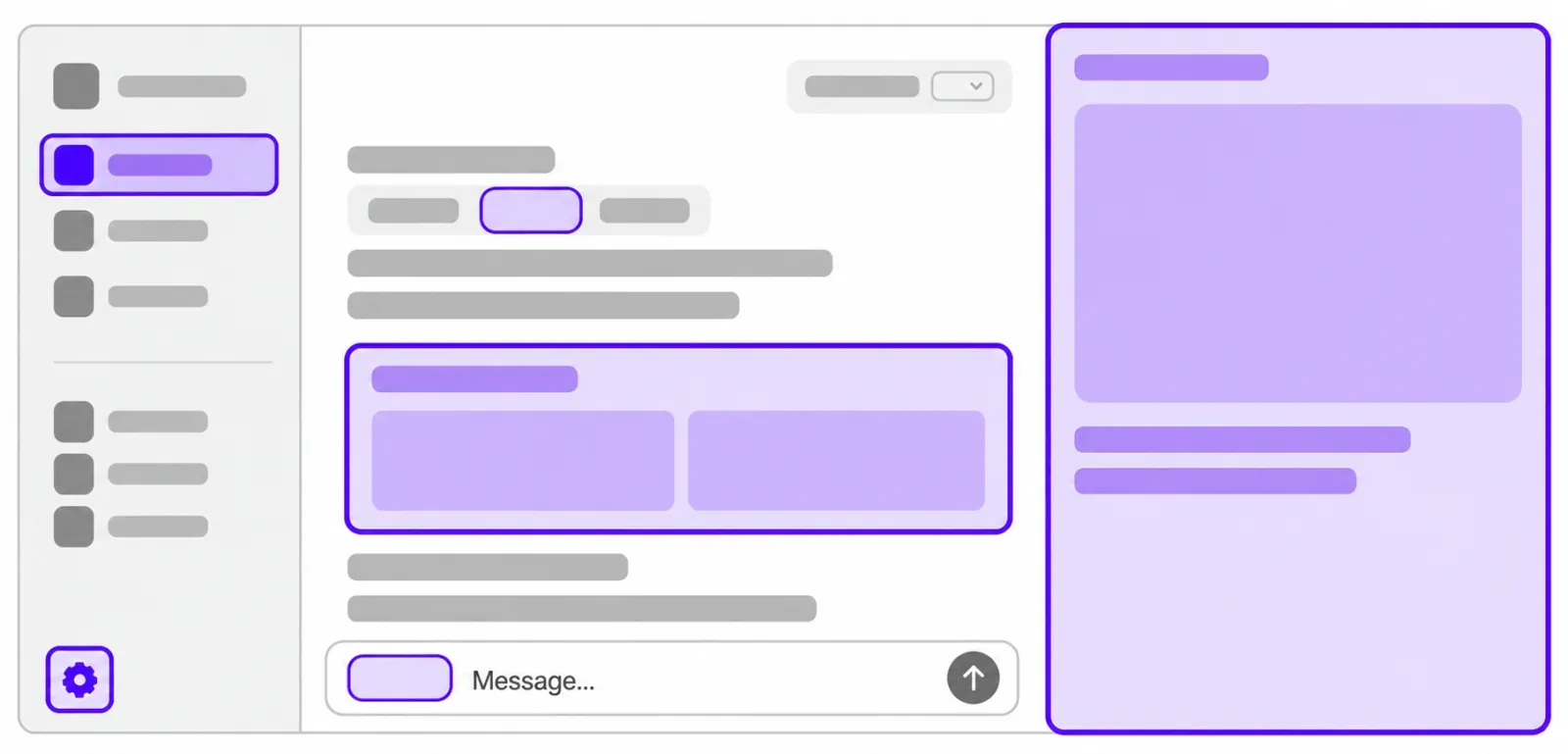
OpenAI opened the interface layer it uses for its own ChatGPT features to outside developers. A plugin can now claim a place in the sidebar, open a panel beside a conversation, and act as the viewer for its own file types. A separate MCP Events integration lets a plugin start an automation when something happens in a connected app, which requires MCP 2.0 and webhook delivery. Sign in with ChatGPT lets a Plus or Pro allowance be spent in 16 partner tools.
OpenAIverified
Browser agents can now fill in and submit Shopify checkout, but the buyer still confirms the order
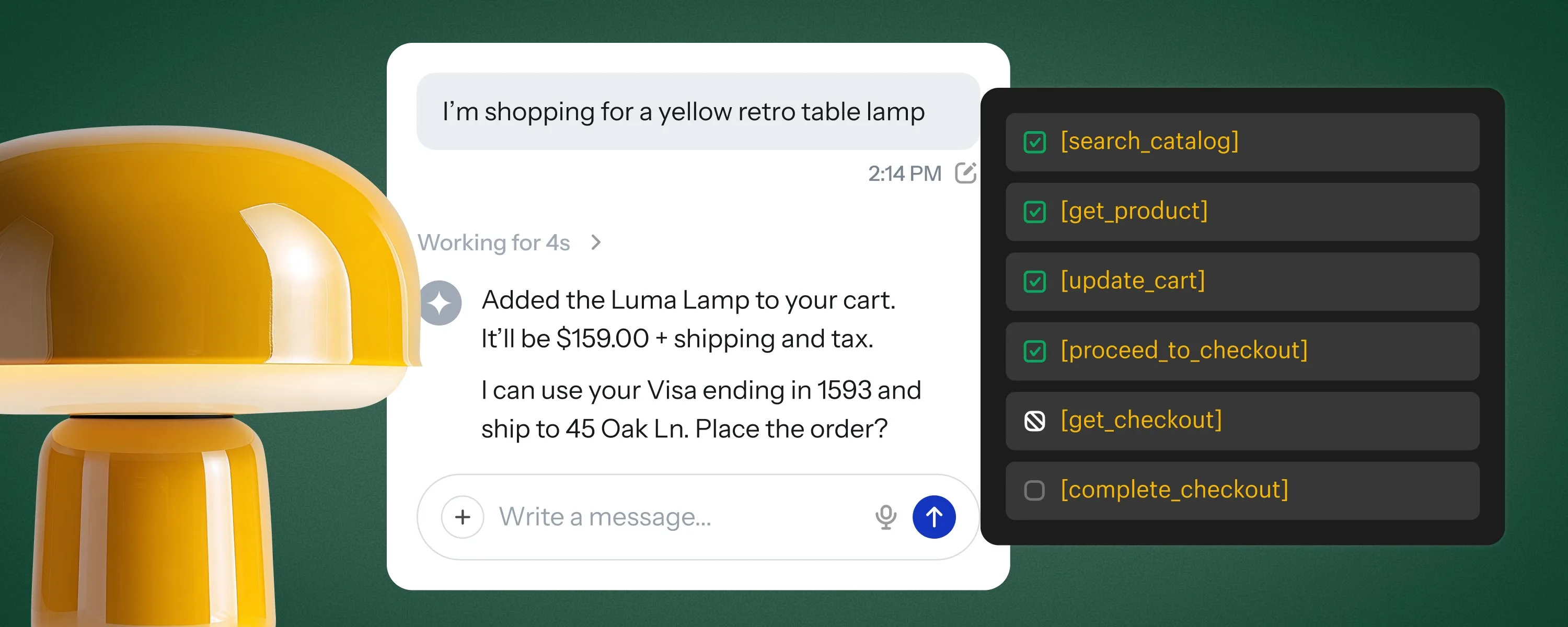
Shopify added WebMCP tools to its checkout on September 28, 2026. An AI agent running in the buyer's browser can read the checkout, change the address, delivery option, discount codes, and payment choice, and place the order once the buyer approves it. Merchants do not have to configure anything.
Shopifyverified

Anthropic opens a portal for submitting plugins to the Claude directory
Anthropic opened a submission portal for the Claude directory on September 25, 2026. Developers on paid Claude plans can submit a single MCP connector or a plugin bundle, follow its review, and see usage data once it is live. Existing listings need no changes.
Claude Blogverified