Gemini Spark now runs multi-step jobs on your Google Photos, and it can schedule them to repeat
Google has started making Google Photos available inside Gemini Spark, the mode of the Gemini apps that carries out a task instead of answering a question. One prompt can find photos, enhance copies of them, put them in a new album, and draft an email with the link. The same job can be attached to a schedule and left running in the background. It needs a Google AI Pro or Ultra subscription and a personal account rather than a work or school one, and the Photos part is limited to people 18 or over in the United States, in English.
Source
Streamline your Google Photos workflows with Gemini SparkGoogle Chrome Help · Original published September 4, 2026
Gemini Spark is the part of the Gemini apps that does a job rather than answering a question, and Google Photos is now one of the places it can work. Google's help page describes tasks that run across several steps: find the right photos, edit copies of them, build an album, then hand the result to another connected app. The same task can be given a schedule and left to run without you.
What a single prompt can now do
Google's own example asks for the best 15 photos from a trip, enhanced, placed in a shared album with a given name, with an email drafted that carries the link. That is four operations in one request, across two products, and the model decides the order they run in.
The list of supported operations is wider than editing. Spark can search and curate by subject, location, date, or event, and filter out duplicates. It can generate collages, stylized images, and videos. It can summarize an event, pull text out of an image, and write the result into a Google Doc.
- Albums can be created private or shared, with the curated photos saved into them.
- Links to shared albums can be sent through Connected Apps such as Gmail, Google Docs, and Messages.
- A recurring task can build a monthly highlights album or sort photos of receipts on its own.
- Asking Spark which Google Photos skills it has returns the list it currently supports.
Three limits to check before you connect it
Access is narrowed twice. Gemini Spark itself needs a Google AI Pro or Ultra subscription, a personal Google account rather than a work or school one, Keep Activity turned on, and an account holder who is 18 or over. The Google Photos part narrows that again, to the United States and to English, and Google adds that the feature is not available in some US regions.
Spark otherwise runs wherever the Gemini apps are supported, apart from the European Economic Area, Nigeria, Switzerland, and the United Kingdom. The Photos work is also restricted to the Gemini mobile app and the web app; the Mac app runs Spark tasks but is not listed for this one. Google calls the rollout gradual, so an account that meets every condition may still not see it.
What Google promises about your originals
Three rules sit on the help page, and each answers an obvious worry. Original photos are never edited or overwritten, because every edit is saved as a new copy. A new album is private until you decide otherwise. An action that leaves the library, such as creating a shared album or sending an email, asks for your confirmation first.
That is a sensible set of defaults, and it is also the line worth watching. A scheduled task runs when you are not there, which leaves the confirmation step as the only thing between an automated job and a shared link. Google does not say what a scheduled task does when it reaches a confirmation prompt and nobody is around to answer it.
„Original photos are untouched.“
Sources
Related

The same SSRF bug turned up in MCP servers at Google, JPMorgan, and two governments
An independent researcher reported one class of server-side request forgery to five organizations that share no code, and all five confirmed and fixed it. Google's MCP Toolbox for Databases carried a high-severity CVE until version 1.5.0. Five US federal servers are still open. If you run an MCP server with any tool that fetches a web address, the four checks at the end apply to you.
Ars Technicaverified
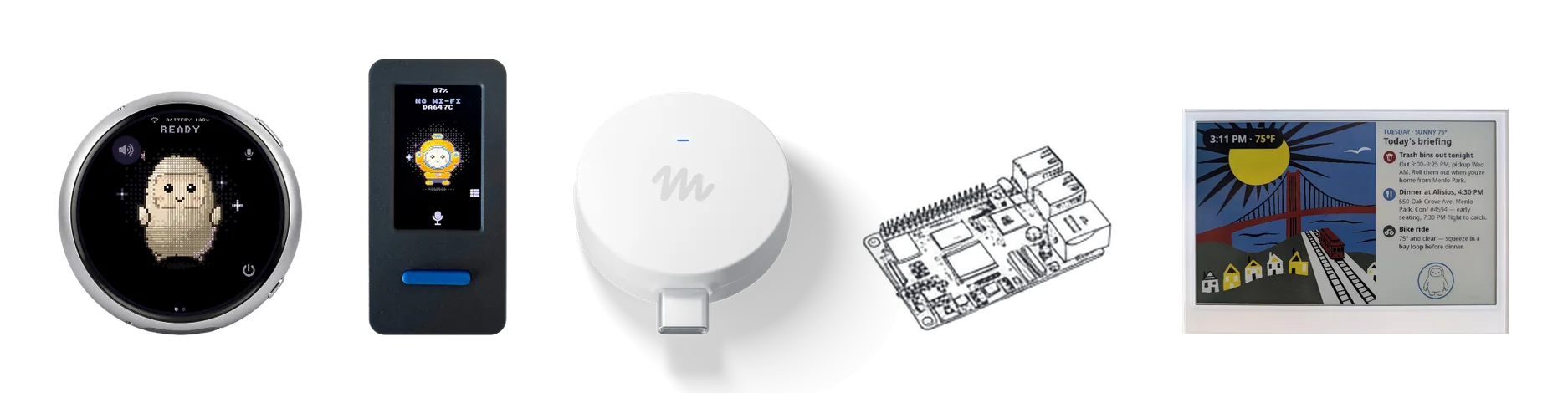
Meta open-sources Muse Gadgets, which lets its Muse agent run shell commands on a Raspberry Pi
Meta published the Muse Gadgets repository on October 2, 2026, under the Apache 2.0 license. It contains firmware for ESP32 boards and a Linux device SDK that turns a Raspberry Pi into a device its Muse agent can operate. On Linux, Muse runs shell commands with the permissions of the account you install it for, including sudo if that account has it. Meta's documentation says pairing has no manufacturer verification and cannot prevent an active man-in-the-middle attack.
Metaverified
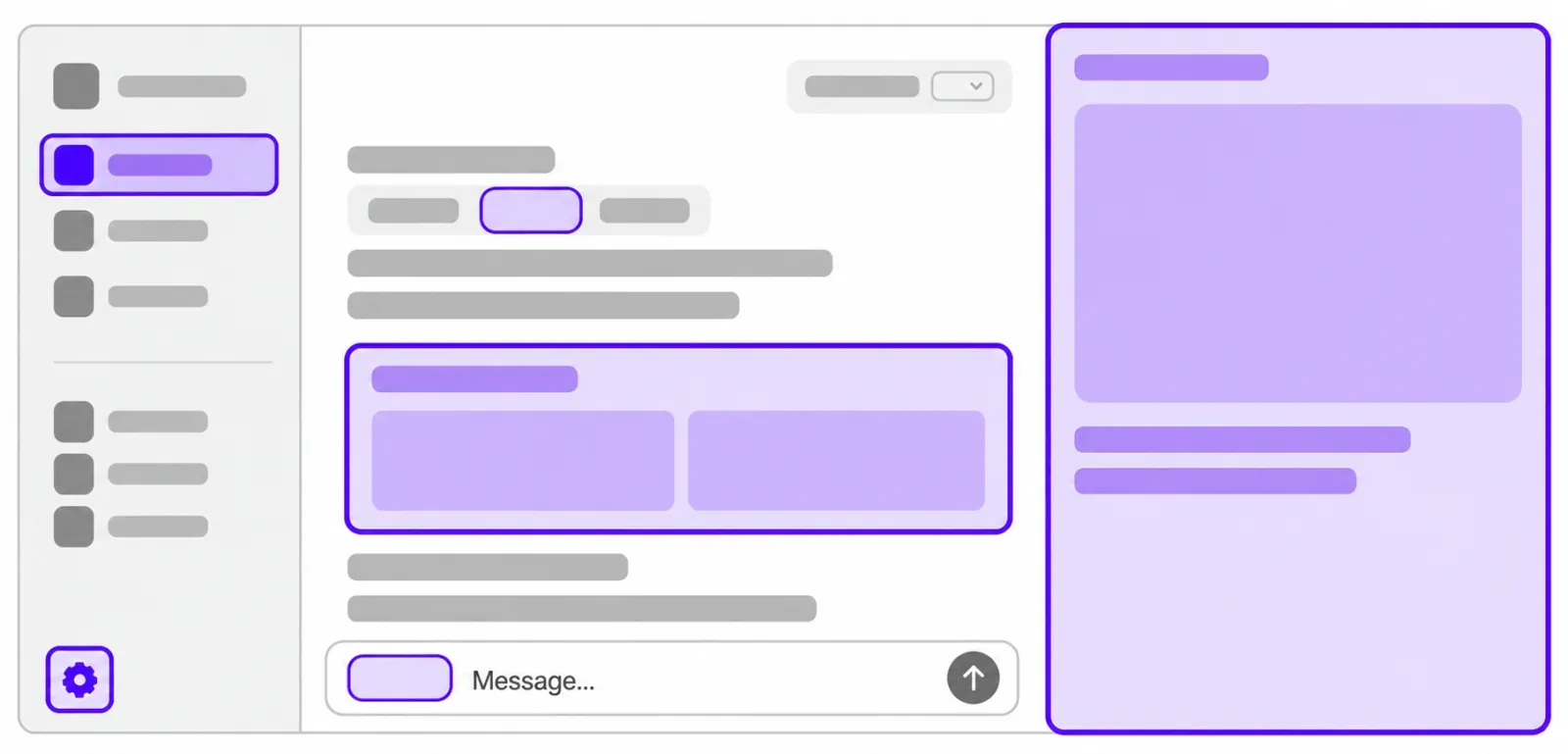
ChatGPT plugins can now run as sidebar apps and react to events from connected tools
OpenAI opened the interface layer it uses for its own ChatGPT features to outside developers. A plugin can now claim a place in the sidebar, open a panel beside a conversation, and act as the viewer for its own file types. A separate MCP Events integration lets a plugin start an automation when something happens in a connected app, which requires MCP 2.0 and webhook delivery. Sign in with ChatGPT lets a Plus or Pro allowance be spent in 16 partner tools.
OpenAIverified