Meta's Muse reached the Mac, where the agent acts inside your own files and apps
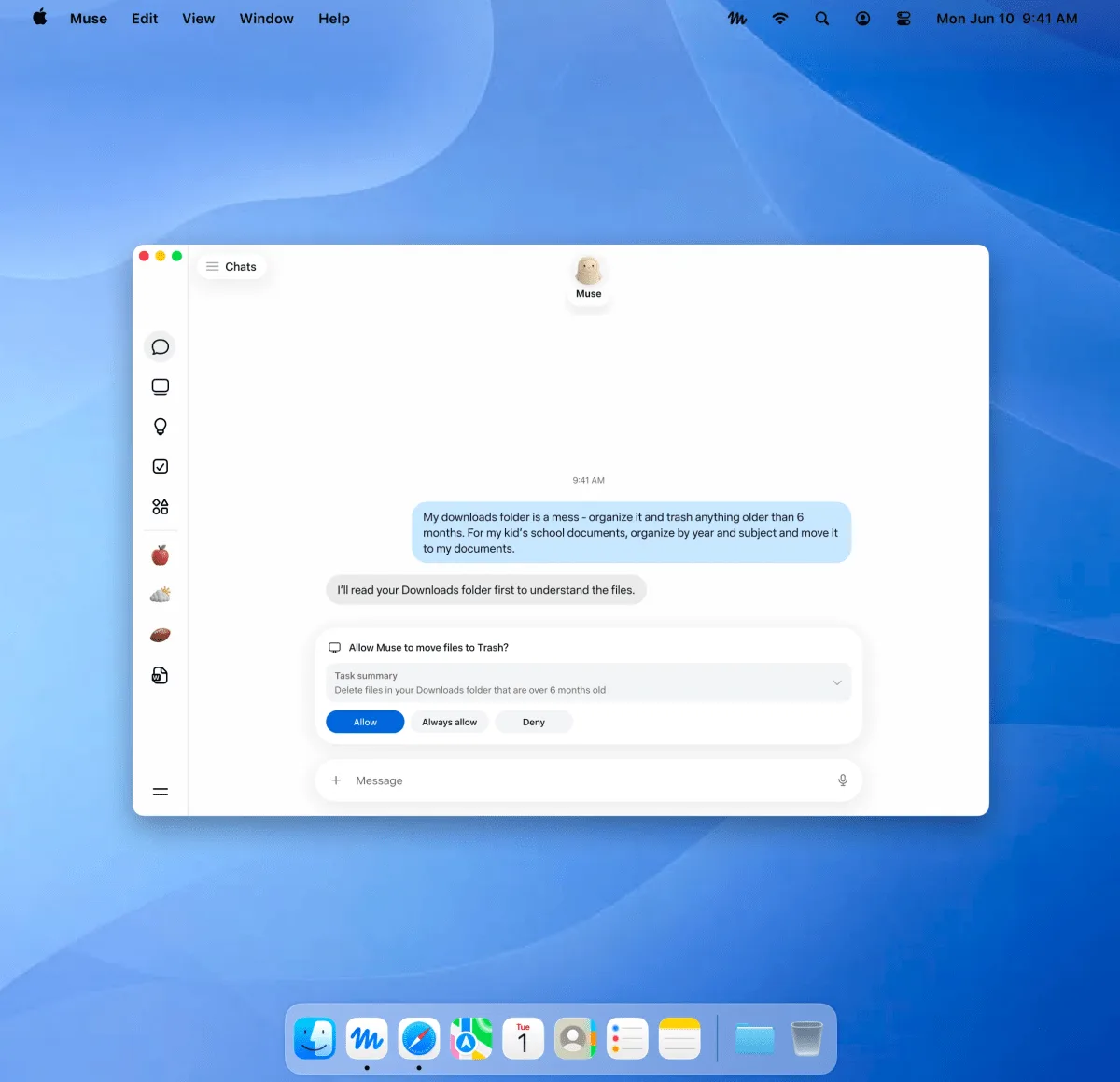
Meta announced Muse on September 8, 2026 as a personal agent that does things rather than answers questions, and named iOS, Android and the web, with AI glasses still to come. The Mac app arrived nine days later, announced by Alexandr Wang on X rather than through the company newsroom. The difference is not only the platform. Until now Muse worked inside a virtual machine Meta runs, watched by a second agent that has to approve anything leaving for the internet; the Mac app works in files, apps and browser tabs on a machine Meta does not run.
Source
Introducing Muse: The World's First Personal AI Agent Built for EveryoneMeta Newsroom · Original published September 17, 2026
Meta's launch post for Muse, published on September 8, 2026, lists where the agent runs: iOS, Android, the muse.ai site, and AI glasses coming soon. There is no Mac in that list. On September 17, 2026 Alexandr Wang posted on X that the Mac app was out, and Meta's product page now offers a macOS download beside the line that Muse works with files, apps and browser tabs. TechCrunch reported the release the following day.
What Meta said Muse is, before the Mac
The newsroom post describes an agent that runs on Muse Secure VM, a dedicated virtual machine that houses both the agent and the person's data. Through its own browser it books appointments, fills out forms and handles customer service, and it is reached through the Muse app or through WhatsApp. Meta says it is free for most of what people need, with subscription plans for people who want to do more, and that it is rolling out in the United States.
Most of that announcement is about containment. A separate Sentinel agent runs on the same machine, and Meta says nothing Muse does reaches the internet unless the Sentinel approves it. Logins sit in a credential store the agent cannot read, with 1Password integration described as coming. When shopping, Link generates a one-time-use card number so neither the merchant nor the agent sees the real card. Meta also says conversations are not shared with its ad systems.
What changes once the agent runs on your own machine
A virtual machine Meta operates is a boundary Meta can describe precisely, and the Sentinel sits on it. The Mac app is on the other side of that boundary. Meta's product page says Muse works with files, apps and browser tabs, and TechCrunch reports that access is opt-in and that the app asks for approval before sensitive actions.
This suggests the guarantees are not identical on both sides, and Meta has published no Mac-specific description of them. The newsroom post predates the Mac app by nine days and does not mention it. Whether the Sentinel rule, that nothing reaches the internet without its approval, also covers actions taken inside local applications is not stated anywhere Meta has published.
What is worth checking before granting access
The permissions a desktop agent needs are exactly the permissions that make it useful, which is why the decision deserves a deliberate look rather than a click at the first prompt. Files, Messages, Calendar, Notes and Mail are separate grants on macOS, and an agent that reads all five can reconstruct most of what a person does in a day.
- Meta says approval is requested before sensitive actions such as sending an email or making a purchase, and that a complete audit trail shows what the agent has done and what it plans to do.
- Meta says the credential store is not readable by the agent, and that 1Password integration is coming rather than shipped.
- Meta says Muse Confidential VM, in which the whole virtual machine is encrypted with a key only the person holds, is still ahead.
- Meta's launch post covers the United States, and the newsroom has published nothing at all about the Mac app.
„your agent can now get stuff done right on your computer“
Sources
Related
OpenClaw 2026.9.5 reloads plugins without stopping the Gateway and shares conversations read-only
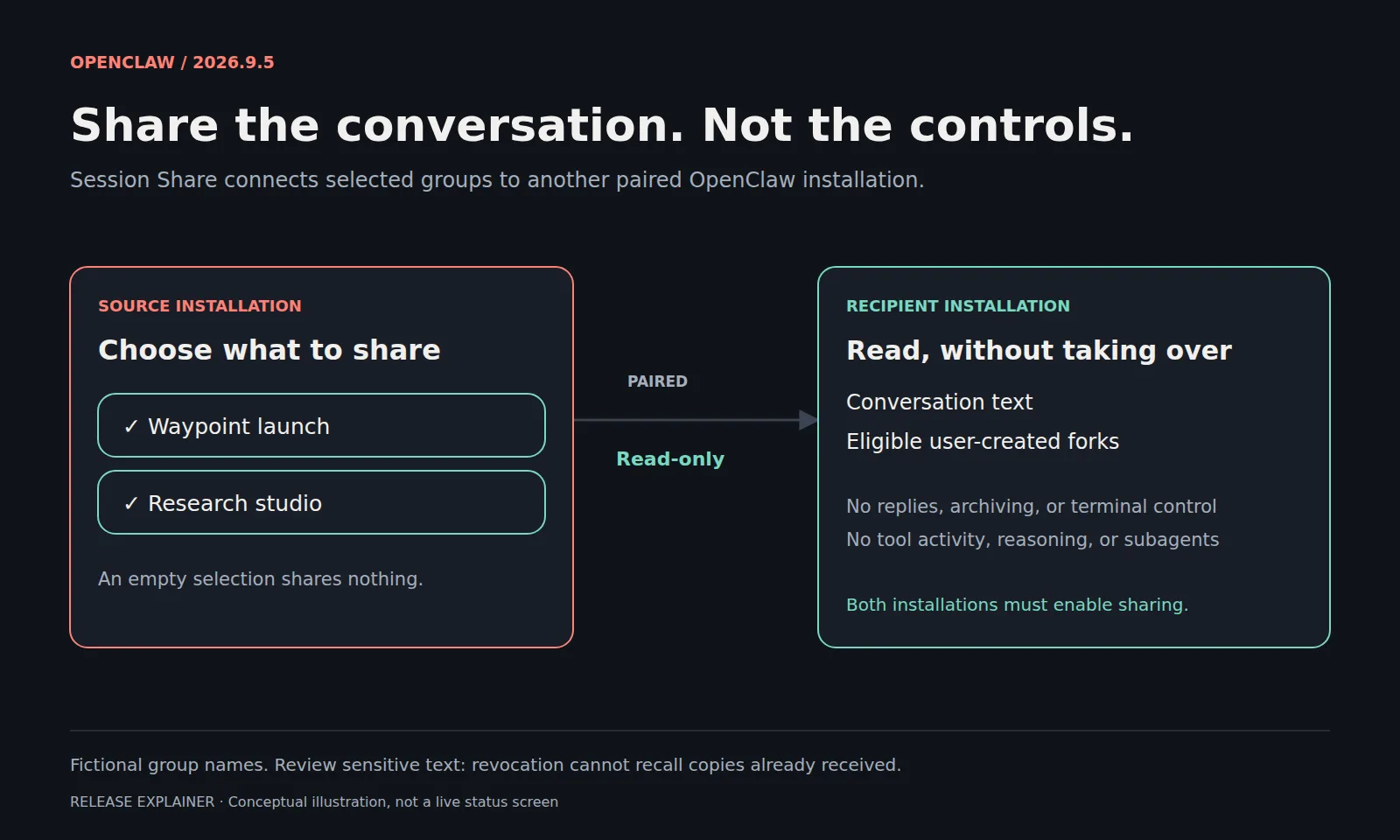
Installing, reloading, updating, or removing a plugin no longer takes the whole installation offline. Session Share hands a chosen group of conversations to a teammate on another paired installation as text they can read but not continue. Updates now validate the next version against a private copy of the setup while the current Gateway keeps running. The conversation database changes in this release even with archiving switched off, so a verified backup before upgrading is the only way back.
OpenClawverified
Claude Code 2.1.278 moved auto mode's safety checks to the server, where they are not billed
In auto mode a classifier inspects shell commands and network requests before they run, and those checks were separate model requests charged as token usage. From this version Claude Code asks the server to perform them inside the session's own requests, and does not charge for them when the server answers. The default covers Enterprise plans, Claude API accounts, and the AWS, Bedrock, Agent Platform, and Foundry paths, subject to each platform's rollout. Where the server's checks cannot reach a session, the earlier billing returns and a one-time notice says so.
Claude Codeverified
GitHub is retiring six Copilot models and has rebuilt the code review overview
Six models stop working across every Copilot surface on October 19, 2026, and each one has a named replacement. On Enterprise and Business the replacement enables itself unless an administrator has turned it off, so the remaining work sits in configuration that names a model in writing. Separately, Copilot code review reached general availability. Its overview comment now separates open findings from resolved ones and from issues it missed on an earlier pass, and every finding carries a title.
GitHub Changelogverified