Willison's new plugin takes an API key through a web form, not through the agent
Simon Willison released llm-keys-ui 0.1 on September 20, 2026. The plugin serves a small page from the machine where LLM is installed, and a key typed into that page is saved straight into the key store. Nothing has to be pasted into the coding agent running on the same machine. The interface has no authentication, and the project tells the operator to stop the server once the keys are in.
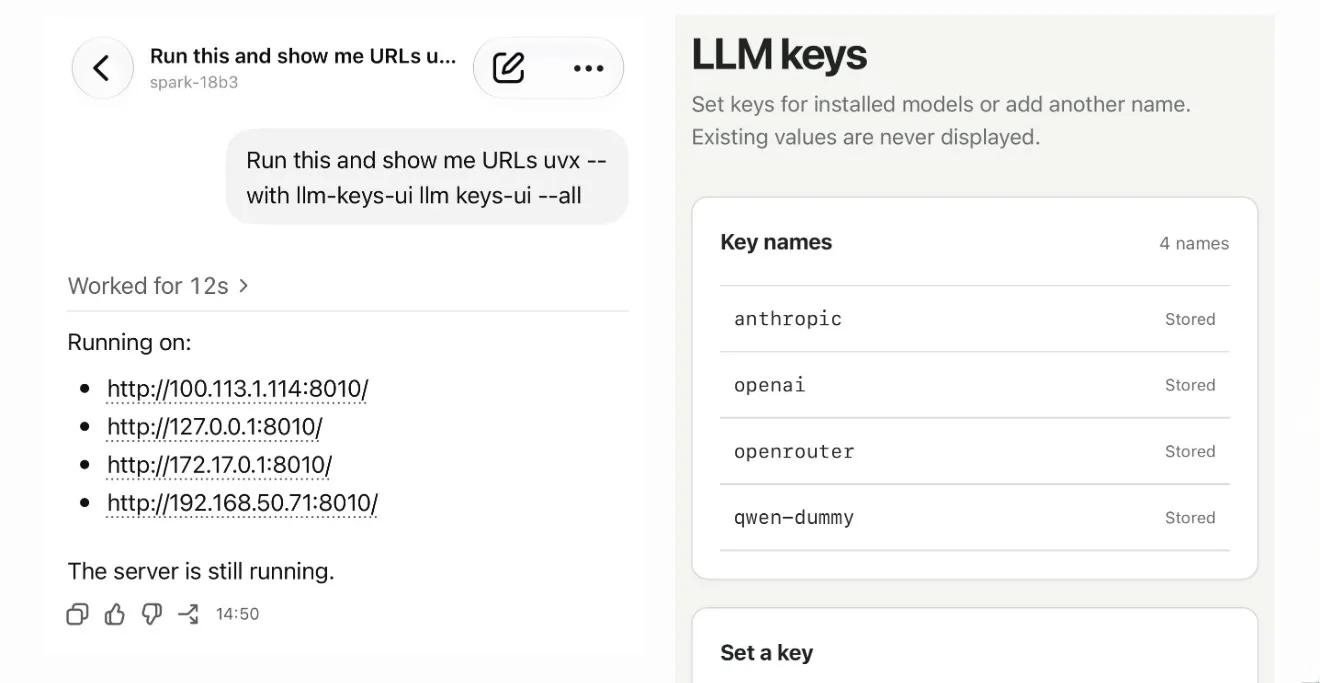
An API key pasted into a coding agent's session does not stay in the terminal. It becomes part of the transcript, and it travels wherever that transcript travels. On September 20, 2026, Simon Willison published llm-keys-ui 0.1, a plugin for his LLM command-line tool that takes the key in through a web form on the machine instead. The agent is asked to start the server. It is never handed the secret.
What the plugin adds
LLM already keeps keys in a keys.json file and manages them with llm keys set, llm keys get, llm keys list and llm keys path. The plugin adds one more command, llm keys-ui, which starts a small web server and serves a form for saving a key under a name. The value lands in the same store the rest of LLM reads from, so a later shell command can pull it back with llm keys get anthropic.
The useful part is where the key is typed, not how the form looks. Willison says he runs coding agents on remote machines and drives them from his phone, and that he did not want to paste API keys into those agent sessions. With the plugin installed, the agent is told to start the server and report the address, and the key is entered in a browser, outside anything the agent records.
llm keys-uiserves the form on127.0.0.1:8010by default.-por--portchanges the port, and-hor--hostchanges the interface it listens on.--alllistens on0.0.0.0and prints an address for every IPv4 address the machine holds, which covers a local network or a Tailscale device.- Stored key values cannot be read back through the interface, which only writes.
The form has no authentication
The project is direct about the limit: the interface implements no authentication at all. Anyone who can reach the port can open the form. Stored values are not shown, so a visitor cannot read a key that is already saved, but nothing prevents that visitor from writing one. The advice in the README is to stop the server as soon as the keys are set.
This suggests the plugin moves the risk rather than removing it. On a laptop that is the end of it, because the form is bound to the loopback address and nothing outside the machine can reach it. With --all, an unauthenticated form is served over plain HTTP on every interface, so the exposure is as wide as the network and the gap between starting and stopping should be short.
The rule is older than the plugin
The same separation can be arranged without this package. Any path that puts a secret on a machine while going around the agent will do: an environment file written over SSH, a secrets manager the agent may call but not read, or a value the operator enters directly. What the release makes concrete is that an agent transcript is not a place for secrets.
One possible explanation for the gap is that key handling in command-line tools was designed for a person at the terminal. llm keys set asks for the value separately and keeps it off the command line, which is exactly right for a human and worth little when the thing at the keyboard is a model that records everything it sees.
„The interface does not implement authentication.“
Sources
Related

The same SSRF bug turned up in MCP servers at Google, JPMorgan, and two governments
An independent researcher reported one class of server-side request forgery to five organizations that share no code, and all five confirmed and fixed it. Google's MCP Toolbox for Databases carried a high-severity CVE until version 1.5.0. Five US federal servers are still open. If you run an MCP server with any tool that fetches a web address, the four checks at the end apply to you.
Ars Technicaverified
Meta open-sources Muse Gadgets, which lets its Muse agent run shell commands on a Raspberry Pi
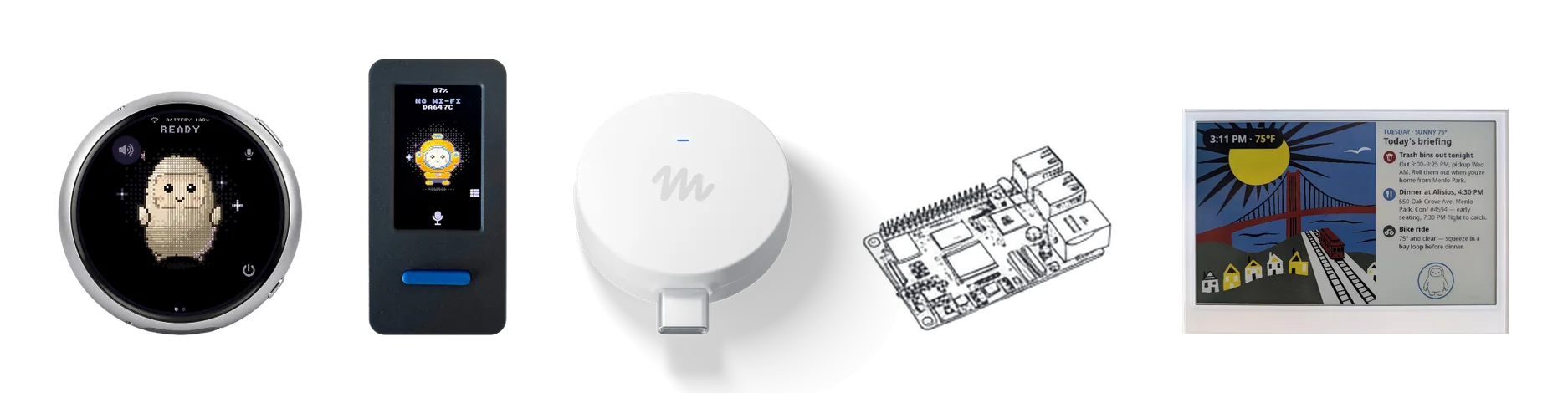
Meta published the Muse Gadgets repository on October 2, 2026, under the Apache 2.0 license. It contains firmware for ESP32 boards and a Linux device SDK that turns a Raspberry Pi into a device its Muse agent can operate. On Linux, Muse runs shell commands with the permissions of the account you install it for, including sudo if that account has it. Meta's documentation says pairing has no manufacturer verification and cannot prevent an active man-in-the-middle attack.
Metaverified
ChatGPT plugins can now run as sidebar apps and react to events from connected tools
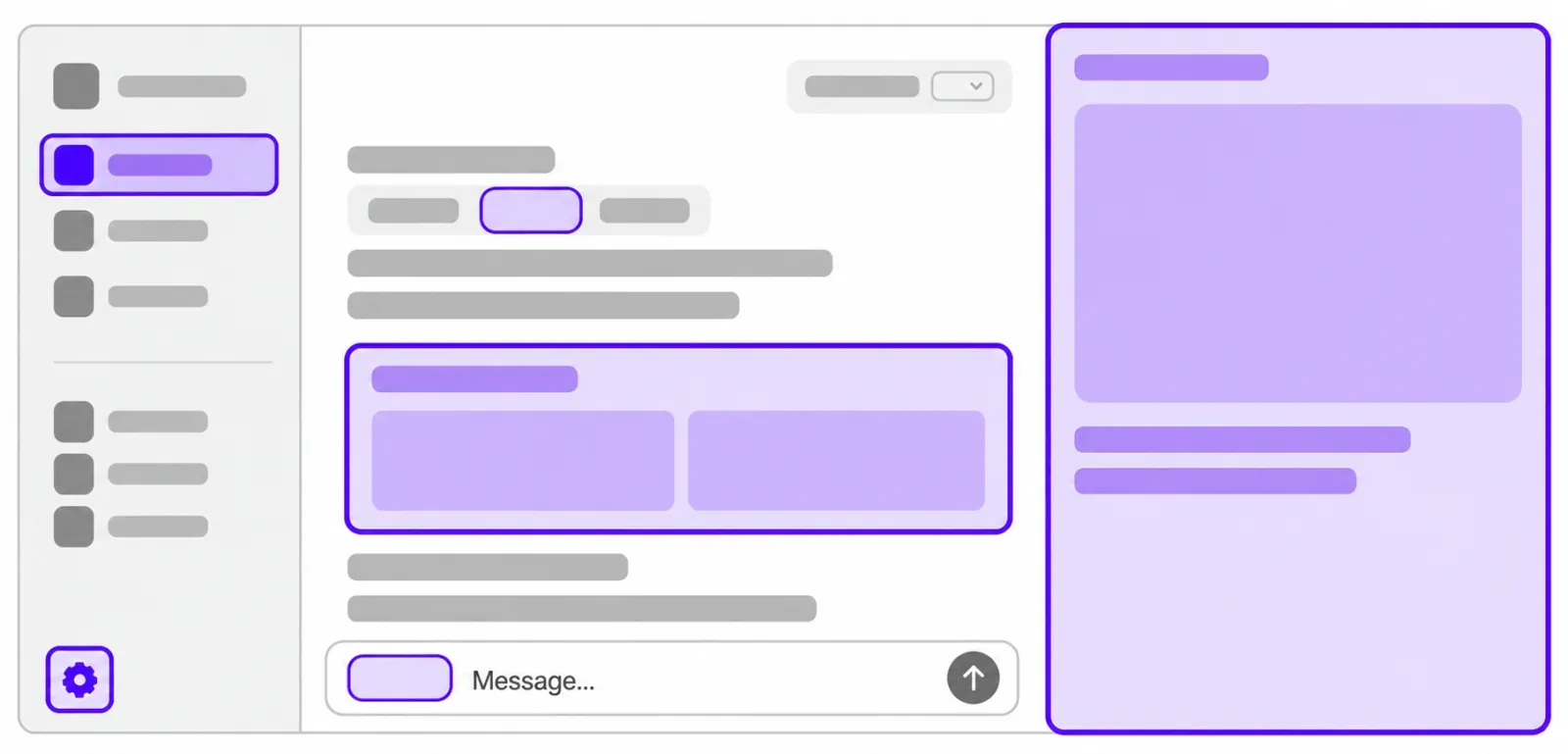
OpenAI opened the interface layer it uses for its own ChatGPT features to outside developers. A plugin can now claim a place in the sidebar, open a panel beside a conversation, and act as the viewer for its own file types. A separate MCP Events integration lets a plugin start an automation when something happens in a connected app, which requires MCP 2.0 and webhook delivery. Sign in with ChatGPT lets a Plus or Pro allowance be spent in 16 partner tools.
OpenAIverified